01
235.8万/月
あなたのコーディングの「好み」を学習する AI コーディングエージェント
AIコードアシスタント編集部スコア:4.3フリーミアム、料金は要問い合わせ直接流入 74%
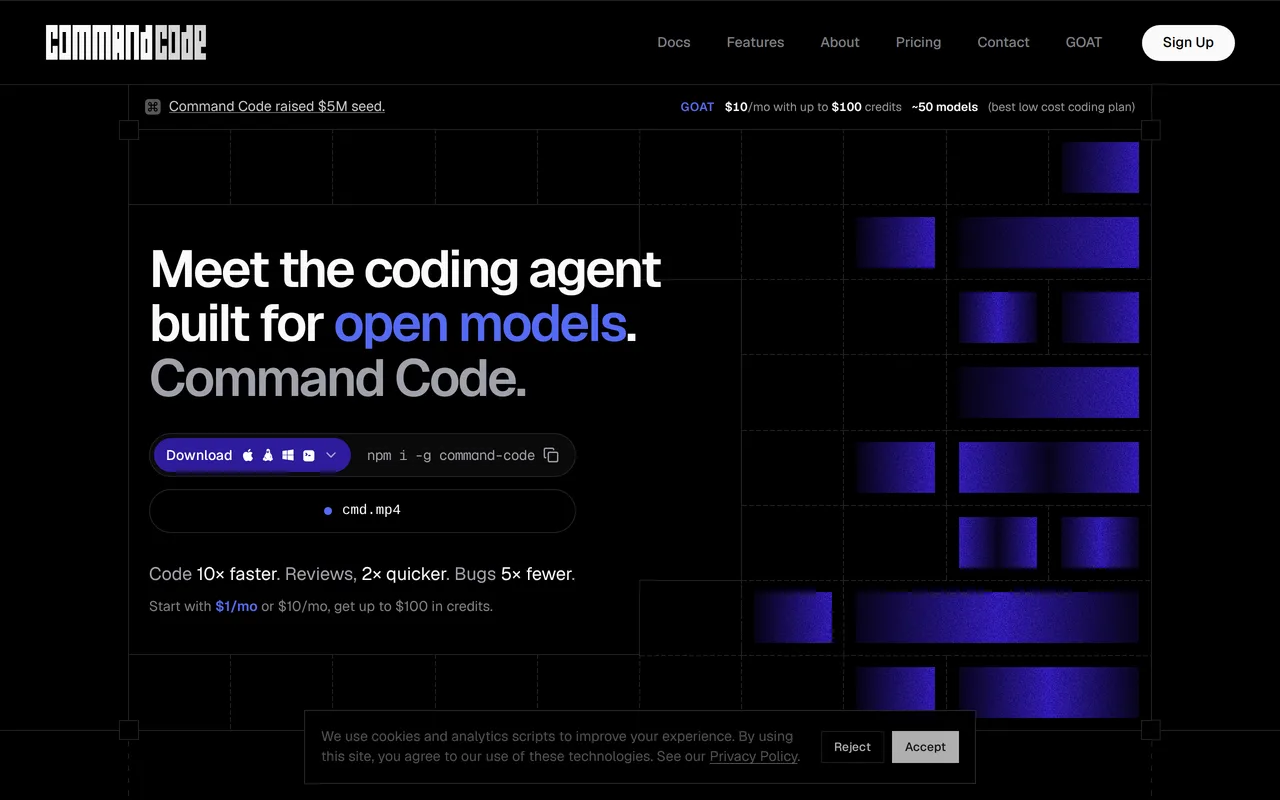
235.8万/月
あなたのコーディングの「好み」を学習する AI コーディングエージェント
フリーミアム、料金は要問い合わせ
月間サイト訪問数の推計
このドメインの Similarweb 推計値であり、アクティブユーザー数ではありません。観測データのある月のみ表示し、取得日と対象月を区別しています。
取得日 2026/11/11
編集部による 5 点満点の評価です。ユーザー評価の平均ではありません。 このページの各視点は、製品情報をもとに AI がまとめたものです。実際の利用者のレビューではありません。
OpenAITools.app のテレメトリ(2026-11-11 検証)によると、HeyCLI(heycli.com)は AI Copilot(世界ランキング #212)に分類される AI プラットフォームで、月間 814 の訪問を生み出し、前月比のトラフィック増減は -344(-29.7%)です。主要な地域市場はアメリカ合衆国(トラフィックシェア 72.1%)で、無料の料金モデルで運営されています。月間ボリューム別の主な競合代替ツールには Command Code(月間 235.82万訪問)、Warp(月間 65.74万訪問)、CtrlOps(月間 2.54万訪問)が含まれます。
Linuxのコマンド忘れた時に自然言語で教えてくれるの神。
manページ調べる手間が省ける。
サイト検証・料金体系・同カテゴリ比較に基づき AI が多角的な論点を要約した参考視点であり、実在ユーザーの個別投稿ではありません。
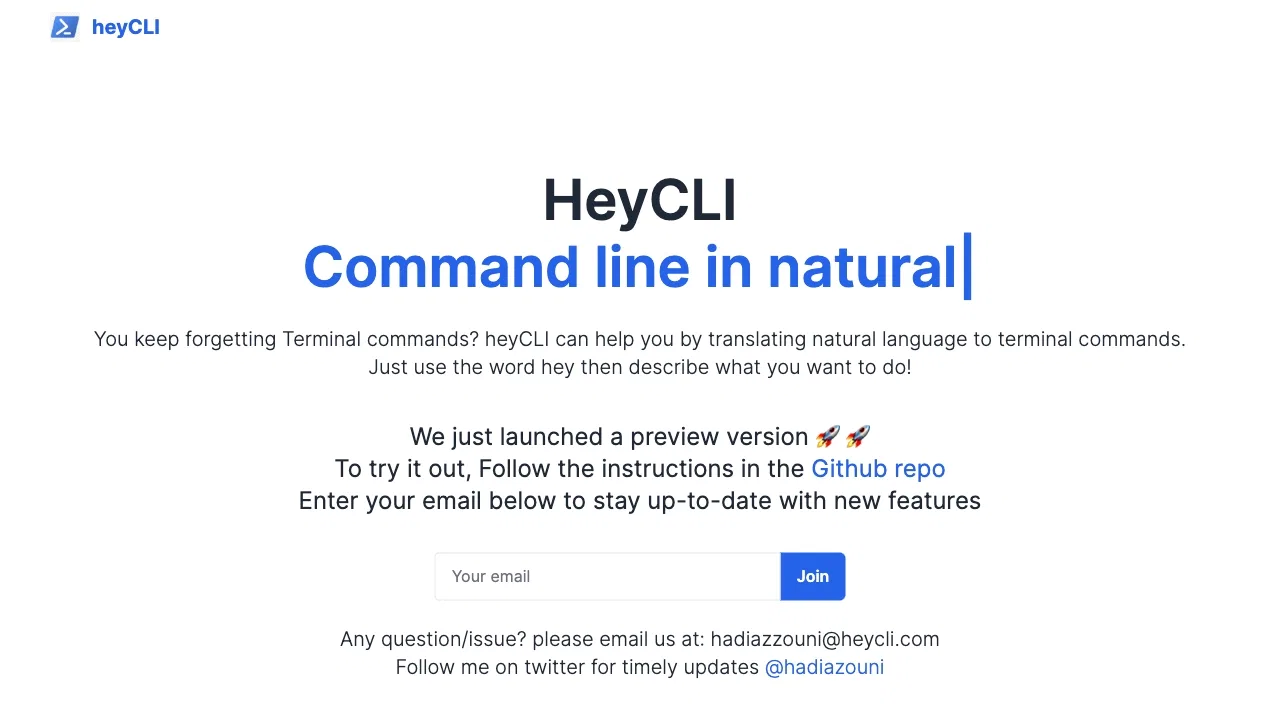
やりたいことを普通の英語で書くだけで、意図に合ったLinuxコマンドが得られます。
アシスタントはコマンドライン上で動作するため、ブラウザやドキュメントサイトへの切り替えが不要です。
シンプルなキーワードを前置して必要なときだけ呼び出せるので、通常のシェル操作を妨げません。
セットアップ手順はプロジェクトのGitHubリポジトリで配布され、サイトではメールアドレスを収集してリリース情報を案内します。
HeyCLIが解決するのは非常に具体的な悩みです。マシンに何をさせたいかは分かっているのに、正確なLinuxコマンドやオプション、引数の順番を思い出せない——そんな場面で活躍します。ターミナルを離れてドキュメントを探す代わりに、キーボードから手を離さず自然言語でタスクを伝えると、意図に合ったシェルコマンドを提示し、確認したうえでその場で実行できます。
操作はいたってシンプルです。トリガーワードと短い目的の説明で呼び出すと、候補となるコマンドが返ってきます。出力は通常のシェルコマンドなので、ローカルマシンでもリモートサーバーでもコンテナでも、新しいダッシュボードやプラグインなしに既存の環境へそのまま組み込めます。
本プロジェクトは無料プレビューとして公開されており、公式サイトからGitHubリポジトリのセットアップ手順へ誘導され、機能アップデートはメール登録で受け取れます。開発者、システム管理者、学生、そしてGUIツールではなくターミナル内ですばやく答えを得たいLinuxユーザーに適しています。
解凍、権限変更、ファイル検索など複雑なオプションを、構文を調べずに素早く下書きできます。
ブラウザを開きにくいリモート環境でも、その場でコマンド候補を得られます。
説明したタスクに対応するコマンドを確認できるため、シェルツールへの理解が深まります。
同じ主要カテゴリの競合 AI ツールをテレメトリで並列比較
| 順位 | AI ツール | 月間訪問数 | 前月比成長率 | 直接流入の割合 | 料金 | 直接比較 |
|---|---|---|---|---|---|---|
| ● | HeyCLI | 814 | -29.7% | 直接流入 40% | 無料 | 表示中 |
| 1 | Command Code | 235.82万 | -12.1% | 直接流入 74% | フリーミアム、料金は要問い合わせ | vs Command Code |
| 2 | Warp | 65.74万 | -9.3% | 直接流入 38% | フリーミアム、料金は要問い合わせ | vs Warp |
| 3 | CtrlOps | 2.54万 | +18.3% | 直接流入 25% | 無料トライアル、有料 | vs CtrlOps |
| 4 | LabEx.io | 112.71万 | -9.3% | 直接流入 44% | フリーミアム | vs LabEx.io |
| 5 | Cursor | 479.01万 | +6.5% | 直接流入 9% | フリーミアム | vs Cursor |
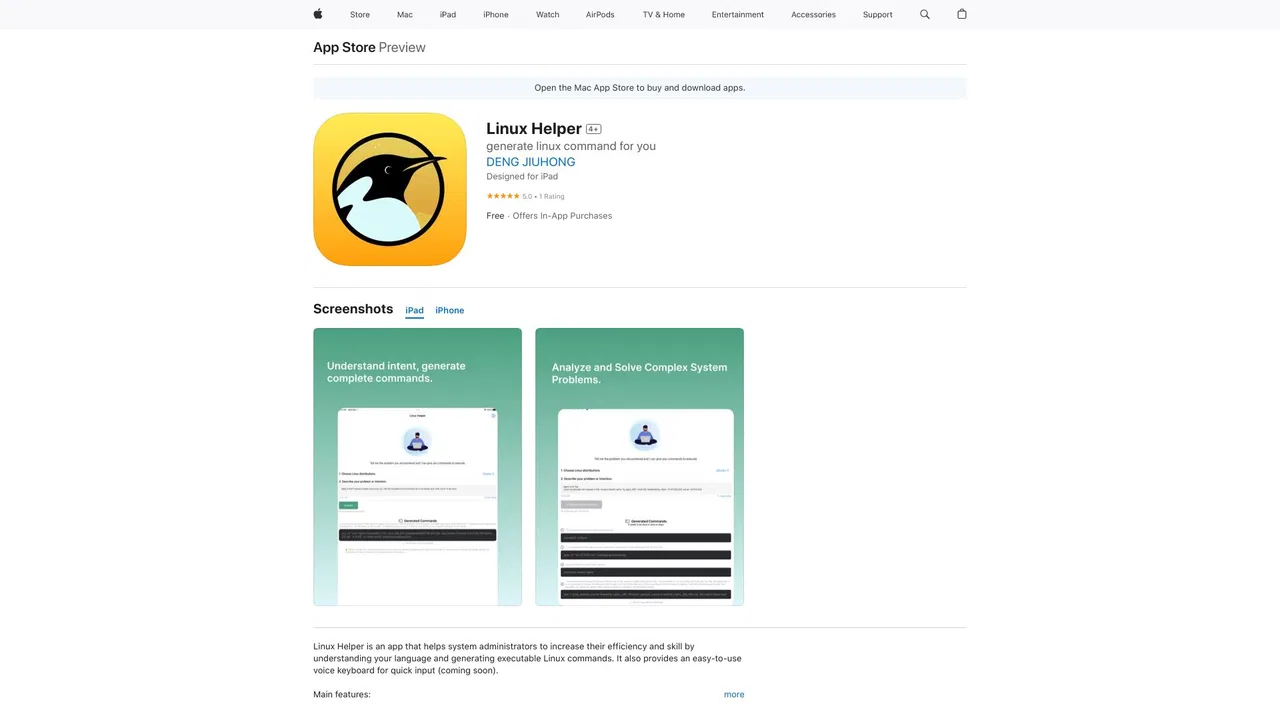
| 6 | Linux Helper | 0 | — | — | フリーミアム | vs Linux Helper |
あなたのコーディングの「好み」を学習する AI コーディングエージェント
あなたのコーディングの「好み」を学習する AI コーディングエージェント
LabEx is a hands-on learning platform for Linux, DevOps, cybersecurity, programming, and data science. Instead of watching videos, learners work inside real online terminals and virtual environments to complete structured labs and build portfolio-ready projects.
LabEx is a hands-on learning platform for Linux, DevOps, cybersecurity, programming, and data science. Instead of watching videos, learners work inside real online terminals and virtual environments to complete structured labs and build portfolio-ready projects.
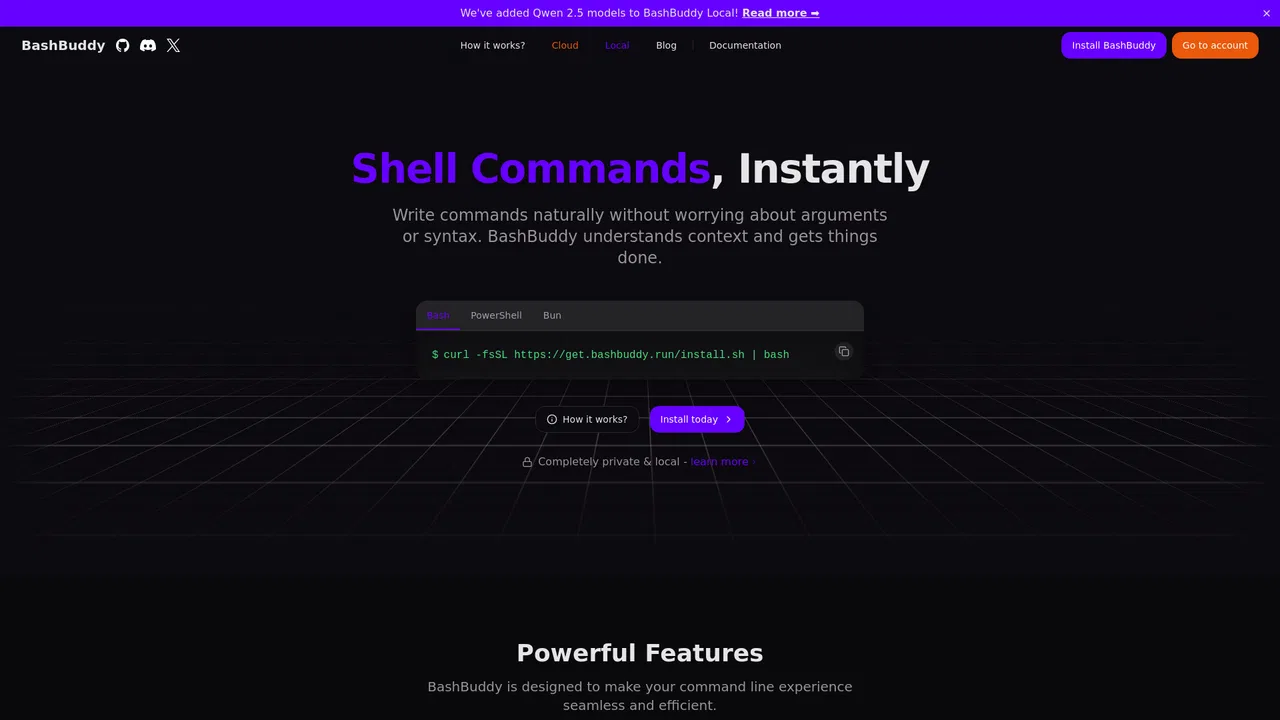
自然な言葉をそのまま実行できるLinuxコマンドに変換

無料・オープンソースAurora Terminal Agent is a free, open-source AI assistant that lives in your terminal and translates plain-language requests into ready-to-run shell commands. Ask it what a command does, or describe what you want to accomplish, and Aurora suggests the syntax, explains each flag, and helps you avoid the guesswork of man pages.
無料・オープンソースAurora Terminal Agent is a free, open-source AI assistant that lives in your terminal and translates plain-language requests into ready-to-run shell commands. Ask it what a command does, or describe what you want to accomplish, and Aurora suggests the syntax, explains each flag, and helps you avoid the guesswork of man pages.

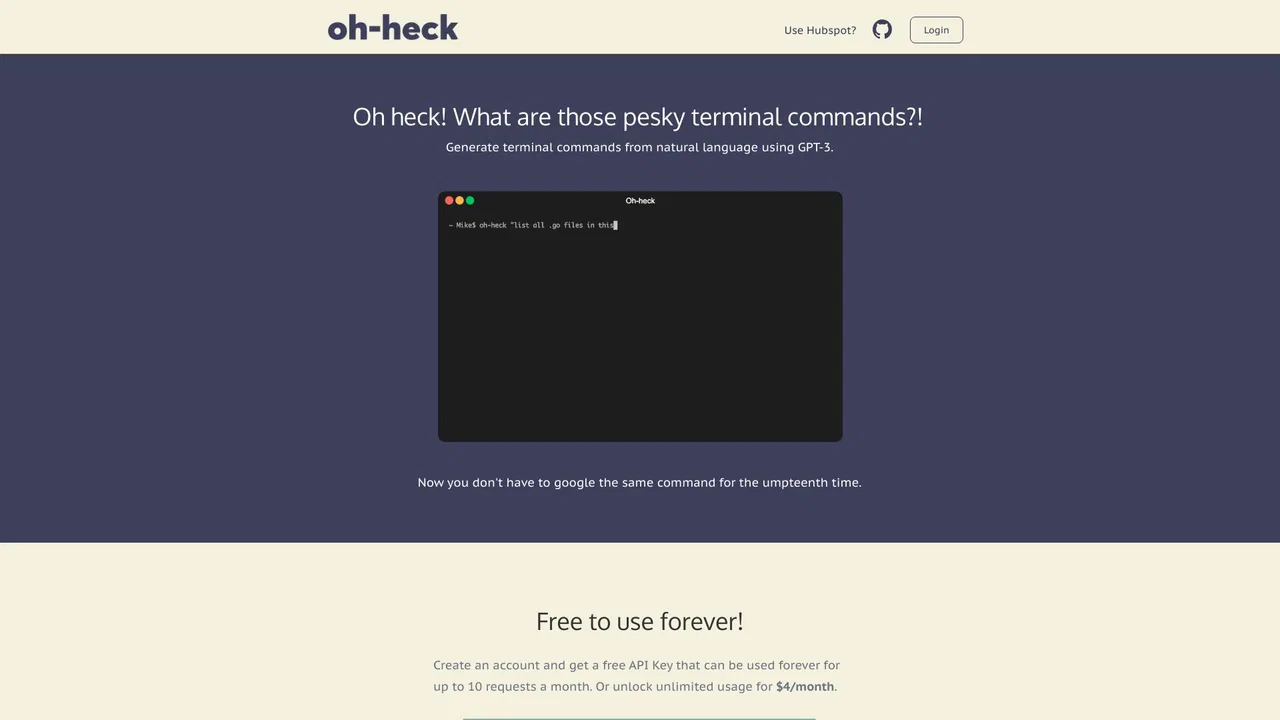
無料・オープンソースOh-heck (/ˌoʊˈhɛk/) is a command-line utility that turns plain-English questions into ready-to-run terminal commands. Instead of searching the web for the right flags and syntax, you describe what you want to do, and the tool asks an AI model for its best guess at the command. You then confirm with a simple y/n prompt: accept it and the command is copied to your clipboard for pasting into your shell, or reject it and rephrase your question. Running the bare command with no arguments walks you through the same flow interactively, so you never have to memorise its own syntax.
無料・オープンソースOh-heck (/ˌoʊˈhɛk/) is a command-line utility that turns plain-English questions into ready-to-run terminal commands. Instead of searching the web for the right flags and syntax, you describe what you want to do, and the tool asks an AI model for its best guess at the command. You then confirm with a simple y/n prompt: accept it and the command is copied to your clipboard for pasting into your shell, or reject it and rephrase your question. Running the bare command with no arguments walks you through the same flow interactively, so you never have to memorise its own syntax.
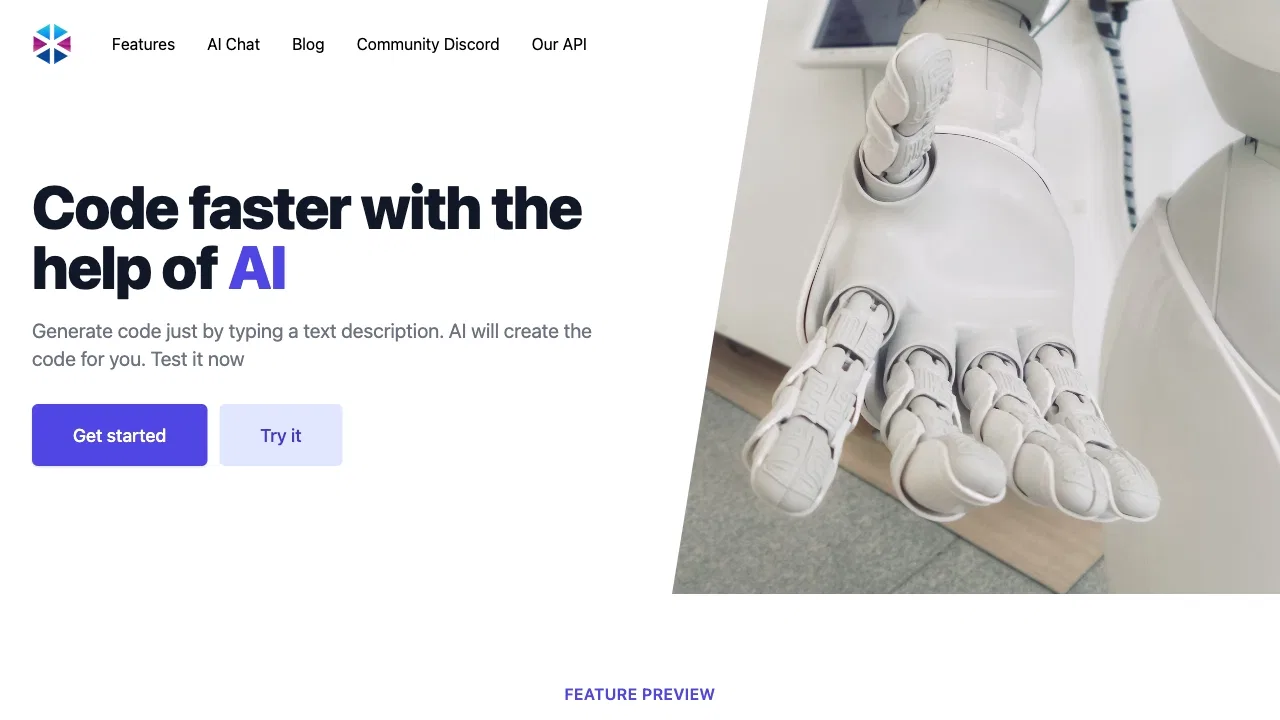
テキストをコードに変える AI コーディングアシスタント