01
1.1万/月
生の画面収録を洗練された製品デモに変える無料の Mac 画面レコーダー
AI Video Generator編集部スコア:4.4フリーミアム、料金は要問い合わせ+19.3%

1.1万/月+19.3%
生の画面収録を洗練された製品デモに変える無料の Mac 画面レコーダー
フリーミアム、料金は要問い合わせ
AIスマートズームと本格マルチトラック編集を備えたネイティブmacOS画面収録アプリ
編集部による 5 点満点の評価です。ユーザー評価の平均ではありません。 このページの各視点は、製品情報をもとに AI がまとめたものです。実際の利用者のレビューではありません。
OpenAITools.app のテレメトリ(2026-11-11 検証)によると、Highlight Studio(highlightstudio.app)は AI 動画編集ツールに分類される AI プラットフォームで、月間 286 の訪問を生み出し、前月比のトラフィック増減は -2045(-87.7%)です。主要な地域市場はグローバル(トラフィックシェア —)で、フリーミアム、有料の料金モデルで運営されています。月間ボリューム別の主な競合代替ツールには Tight Studio(月間 1.14万訪問)、CapCut(月間 5470.07万訪問)、InVideo(月間 689.36万訪問)が含まれます。
自動ズーム機能が神がかってる。
動画編集が爆速になった。
サイト検証・料金体系・同カテゴリ比較に基づき AI が多角的な論点を要約した参考視点であり、実在ユーザーの個別投稿ではありません。
カーソル追跡とクリッククラスター解析でズームキーフレームを自動生成。タイムライン上で手動配置もできます。
画面映像・カメラ・システム音声・ナレーション・字幕・注釈を別トラックで管理し、トリム・分割・速度変更に対応。
50以上の言語でワード単位のタイムスタンプを生成。縦型SNS動画の字幕焼き込みや講座字幕に最適です。
iPhone/iPadの収録を27種類以上の正確なAppleデバイスフレームに収め、ロゴ・配色・フォント・ウォーターマーク設定を毎回の書き出しに適用できます。
ネイティブSwift製のhighlight-cliがローカルTCPソケット経由で40以上のコマンドを改行区切りJSONで公開し、AIエージェントによる録画・書き出しの自動化を可能にします。
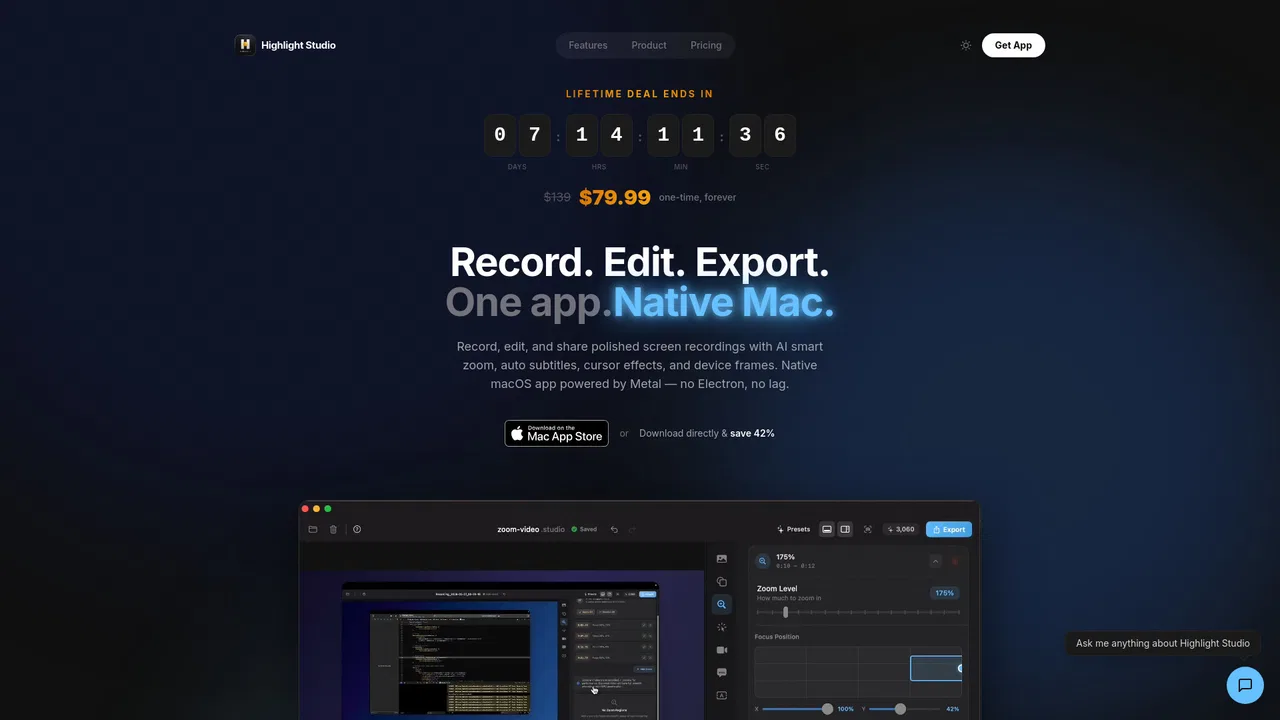
Highlight Studioは、画面収録、カメラと音声のキャプチャ、そして本格的なマルチトラックタイムライン編集を1つのネイティブmacOSアプリに統合しています。撮った素材を別のツールで直すのではなく、同じウィンドウ内で収録・編集・字幕・書き出しまで完結できます。アプリは完全にSwiftUIで書かれ、MetalによるGPUレンダリングを行うため、高解像度でも録画は滑らかでCPU負荷も低く抑えられます。
AIレイヤーが一般的な画面キャプチャツールとの差を生みます。録画中はカーソル位置とクリックイベントを記録し、停止後にクリックの密集を解析して、視聴者の注意が向くべき瞬間にズームキーフレームを配置します。ワード単位のAI文字起こしは50以上の言語に対応し、焼き込み字幕を生成。表情検出は「映りの良い瞬間」の編集タイムラインも作れます。AIが生成したものはすべて通常のクリップとしてタイムラインに載るため、トリム・速度変更・削除が自由です。
編集以外にも公開作業を支援します。ロゴ・配色・フォントをまとめたブランドキット、iPhoneやiPadの収録を包む27種類以上の正確なAppleデバイスフレーム、YouTube・Instagram・LinkedIn・Discord向けの最適化済み書き出しプリセット、共同作業者向けのタイムラインコメント。さらに同梱のCLIがローカルソケット経由で40以上のコマンドを公開し、AIエージェントが録画・編集・書き出しをプログラムから実行できます。無料プランで流れを試せますが書き出しにはウォーターマークが入り、スマートズーム・AI字幕・4K・デバイスフレームはProで解放されます。
アプリを収録し、自動ズームでクリックを追わせ、デバイスフレームに収めて、トップページや営業資料向けの30秒クリップを書き出します。
不具合を再現し、問題箇所をぼかすか注釈し、FPS指定のGIFで書き出してGitHub・Linear・Jiraにそのまま貼り付けます。
章タイトルカードやブランドのイントロ・アウトロを加え、タイムラインに直接ナレーションを録り、Udemy・Teachable・Kajabi向けに4Kで書き出します。
9:16にリフレームし、ミュート再生向けに字幕を焼き込み、プラットフォーム別プリセットで書き出すことで4回編集し直す手間を省きます。
同じ主要カテゴリの競合 AI ツールをテレメトリで並列比較
| 順位 | AI ツール | 月間訪問数 | 前月比成長率 | 直接流入の割合 | 料金 | 直接比較 |
|---|---|---|---|---|---|---|
| ● | Highlight Studio | 286 | -87.7% | 直接流入 28% | フリーミアム、有料 | 表示中 |
| 1 | Tight Studio | 1.14万 | +19.3% | 直接流入 40% | フリーミアム、料金は要問い合わせ | vs Tight Studio |
| 2 | CapCut | 5470.07万 | +13.2% | 直接流入 29% | フリーミアム | vs CapCut |
| 3 | InVideo | 689.36万 | +4.6% | 直接流入 34% | フリーミアム | vs InVideo |
| 4 | VEED.IO | 801.17万 | +1.8% | 直接流入 37% | フリーミアム、無料トライアル、有料、料金は要問い合わせ | vs VEED.IO |
| 5 | Diffusion Studio | 3.57万 | -35.7% | 直接流入 38% | フリーミアム | vs Diffusion Studio |
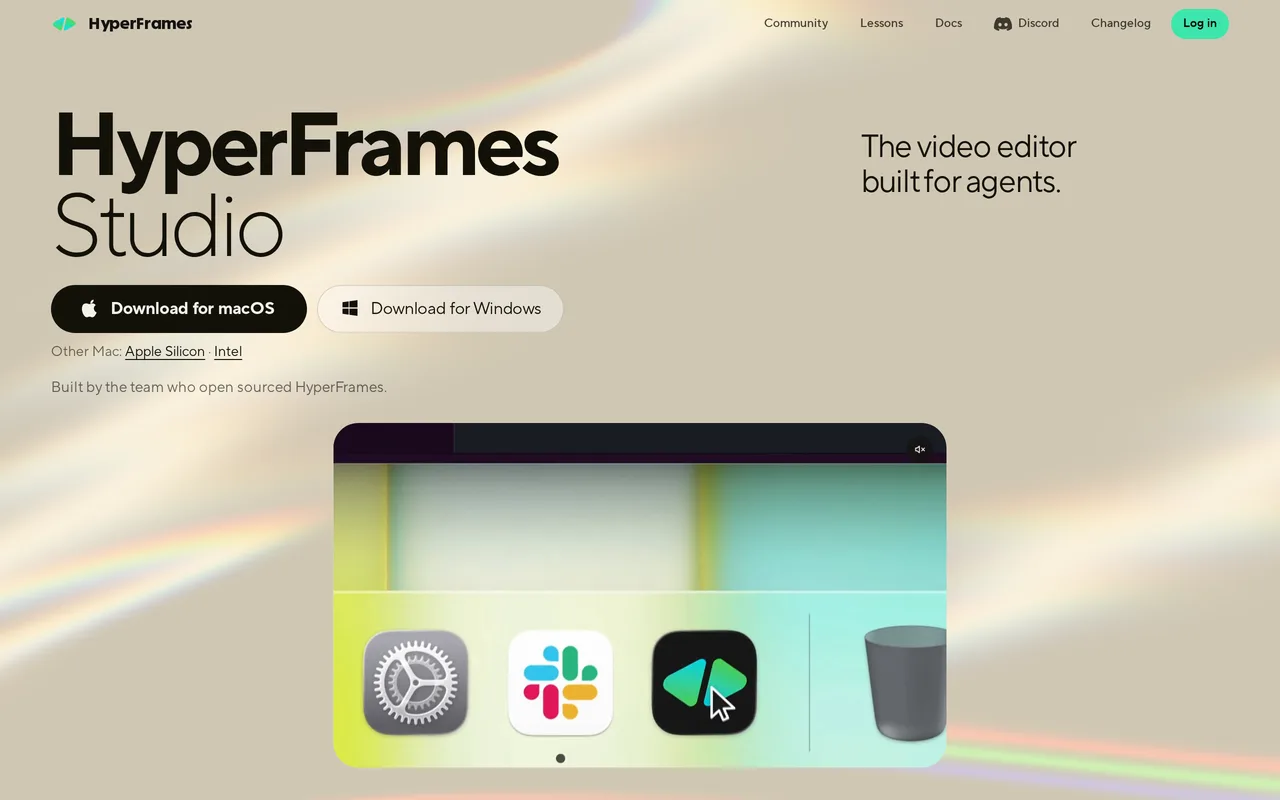
| 6 | HyperFrames Studio | 41.37万 | +217.8% | 直接流入 54% | Free, Contact for Pricing | vs HyperFrames Studio |
生の画面収録を洗練された製品デモに変える無料の Mac 画面レコーダー
生の画面収録を洗練された製品デモに変える無料の Mac 画面レコーダー
クリエイターとマーケター向けのオールインワンAI動画生成・タイムライン編集・Seedance 2.5スタジオ。
AIエージェントが実タイムライン上で編集・グレーディング・ミックスを行うエージェント型動画編集ツール
VEED is a browser-based AI video creation platform that takes an idea to a finished, on-brand video without a camera or editing suite. It combines an online editor with text-to-video, AI avatars and lip sync, voice cloning, text to speech, auto subtitles, translation, dubbing and a large library of social ad templates.
VEED is a browser-based AI video creation platform that takes an idea to a finished, on-brand video without a camera or editing suite. It combines an online editor with text-to-video, AI avatars and lip sync, voice cloning, text to speech, auto subtitles, translation, dubbing and a large library of social ad templates.

無料・オープンソースコーディングエージェントが編集者になるオープンソースAI動画エディター

無料・オープンソースAIコーディングエージェントと一緒に使うために作られたデスクトップ動画エディタ

Vmaker AI is an AI video creation and editing platform for recording screens, generating shorts from long videos, adding subtitles and turning text, audio or documents into avatar-led videos.
Vmaker AI is an AI video creation and editing platform for recording screens, generating shorts from long videos, adding subtitles and turning text, audio or documents into avatar-led videos.
インストール不要、ブラウザで動画・音声・GIFを編集
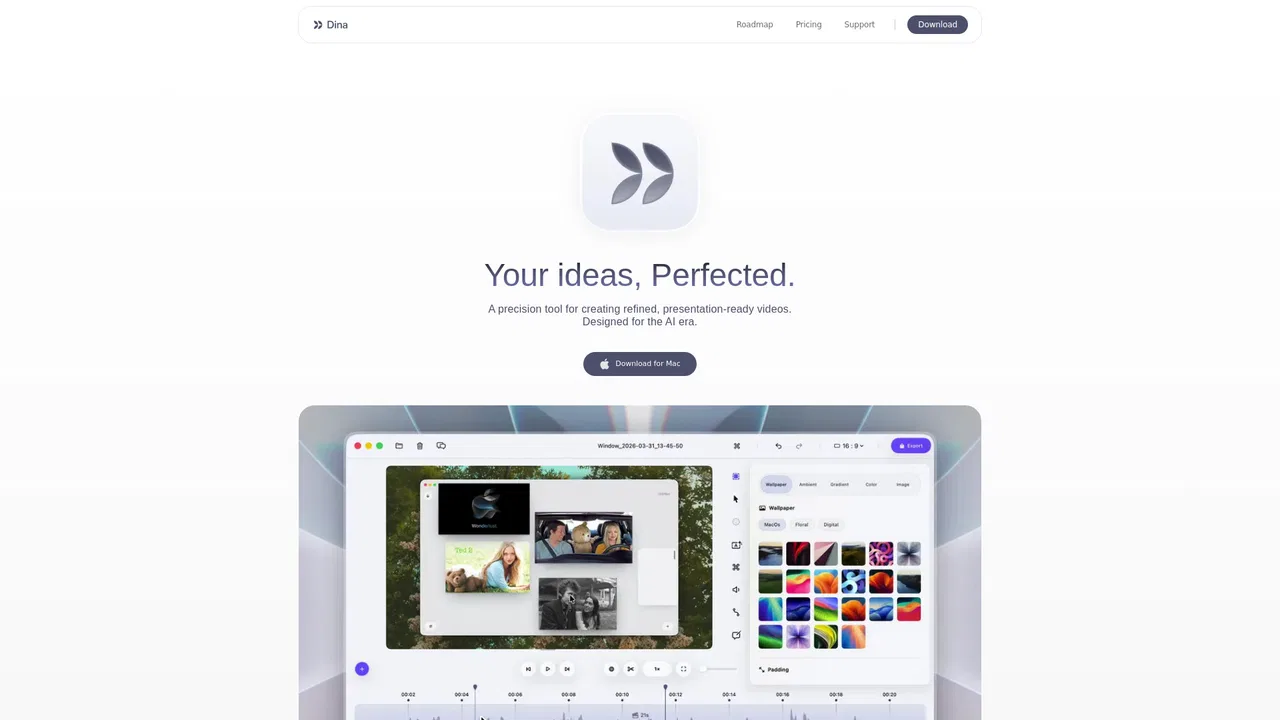
特化型Dina is a macOS screen recorder and video editor that turns raw captures into polished demos, tutorials, and social clips. It captures screen, camera, microphone, and system audio, then applies automatic zoom, smooth cursor motion, keystroke overlays, and cinematic 3D camera moves so the finished video looks intentional without manual editing.
特化型Dina is a macOS screen recorder and video editor that turns raw captures into polished demos, tutorials, and social clips. It captures screen, camera, microphone, and system audio, then applies automatic zoom, smooth cursor motion, keystroke overlays, and cinematic 3D camera moves so the finished video looks intentional without manual editing.

Kapwing is a collaborative, browser-based video creation platform that combines a drag-and-drop editor with a suite of AI tools. Teams can generate video from a prompt, add subtitles, translate dialogue, remove silences, and repurpose long footage into social clips, all without installing software.
Kapwing is a collaborative, browser-based video creation platform that combines a drag-and-drop editor with a suite of AI tools. Teams can generate video from a prompt, add subtitles, translate dialogue, remove silences, and repurpose long footage into social clips, all without installing software.

Descript is an AI-powered video and audio editor that lets you cut recordings by editing their transcript, then clean up, caption, translate and repurpose the result. Underlord, its AI co-editor, plus Studio Sound, voice cloning and screen recording turn a single tool into a full production pipeline for creators and teams.
Descript is an AI-powered video and audio editor that lets you cut recordings by editing their transcript, then clean up, caption, translate and repurpose the result. Underlord, its AI co-editor, plus Studio Sound, voice cloning and screen recording turn a single tool into a full production pipeline for creators and teams.