235.8만/월
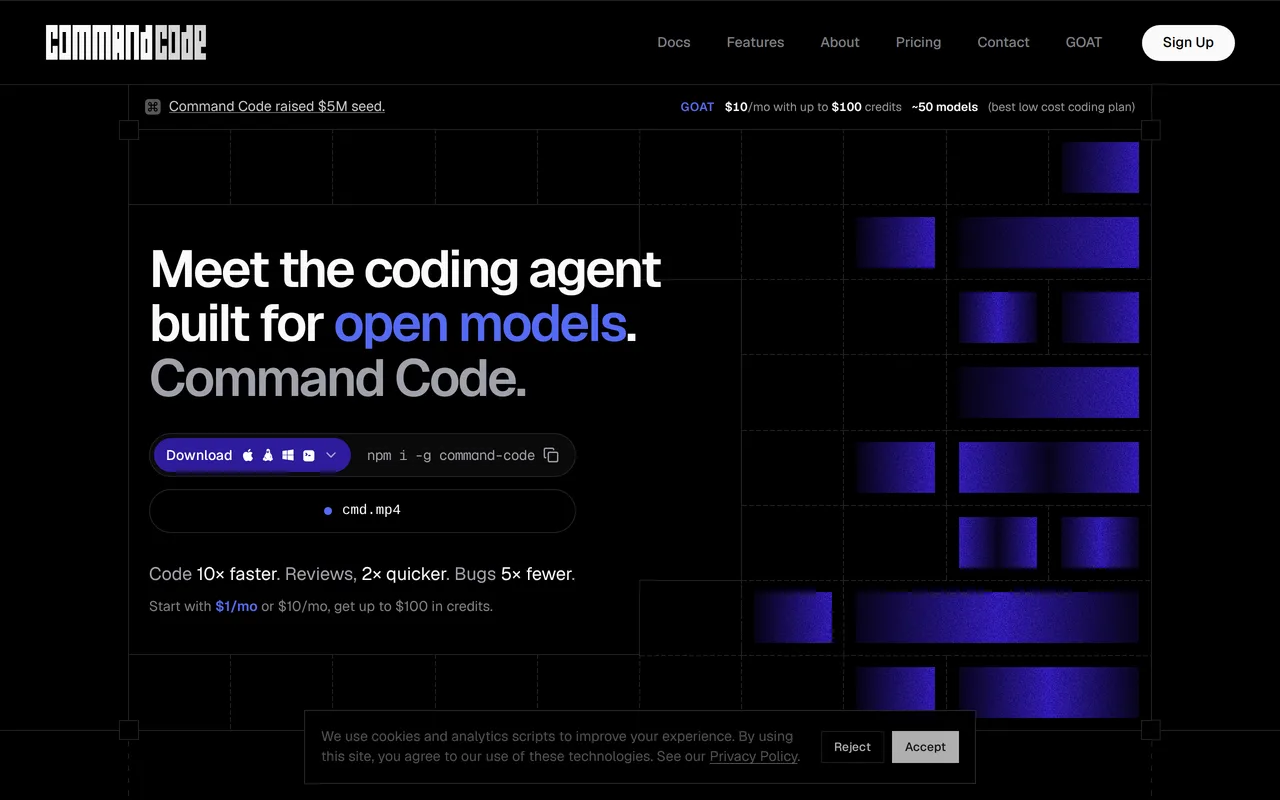
당신의 코딩 취향을 학습하는 AI 코딩 에이전트
무료+유료, 가격 문의
월간 웹사이트 방문 수 추정치
이 도메인의 Similarweb 추정치이며 활성 사용자 수가 아닙니다. 관측 데이터가 있는 월만 표시하며 수집일과 집계 월을 구분합니다.
수집일 2026. 11. 11.
에디터가 매긴 5점 만점 평가이며, 사용자 평점의 평균이 아닙니다. 이 페이지의 관점들은 제품 정보를 바탕으로 AI가 정리한 것이며, 실제 사용자 후기가 아닙니다.
2026-11-11에 검증된 OpenAITools.app 텔레메트리에 따르면, HeyCLI(heycli.com)은(는) AI 코파일럿 (전 세계 #212위)에 색인된 AI 플랫폼으로 월 814회 방문을 기록 중이며, 전월 대비 트래픽 변화량은 -344(-29.7%)입니다. 주요 지리적 시장은 미국(트래픽 점유율 72.1%)이며, 무료 가격 모델로 운영됩니다. 월간 트래픽 기준 주요 경쟁 대안으로는 Command Code (월 235.82만회 방문), Warp (월 65.74만회 방문), CtrlOps (월 2.54만회 방문) 등이 있습니다.
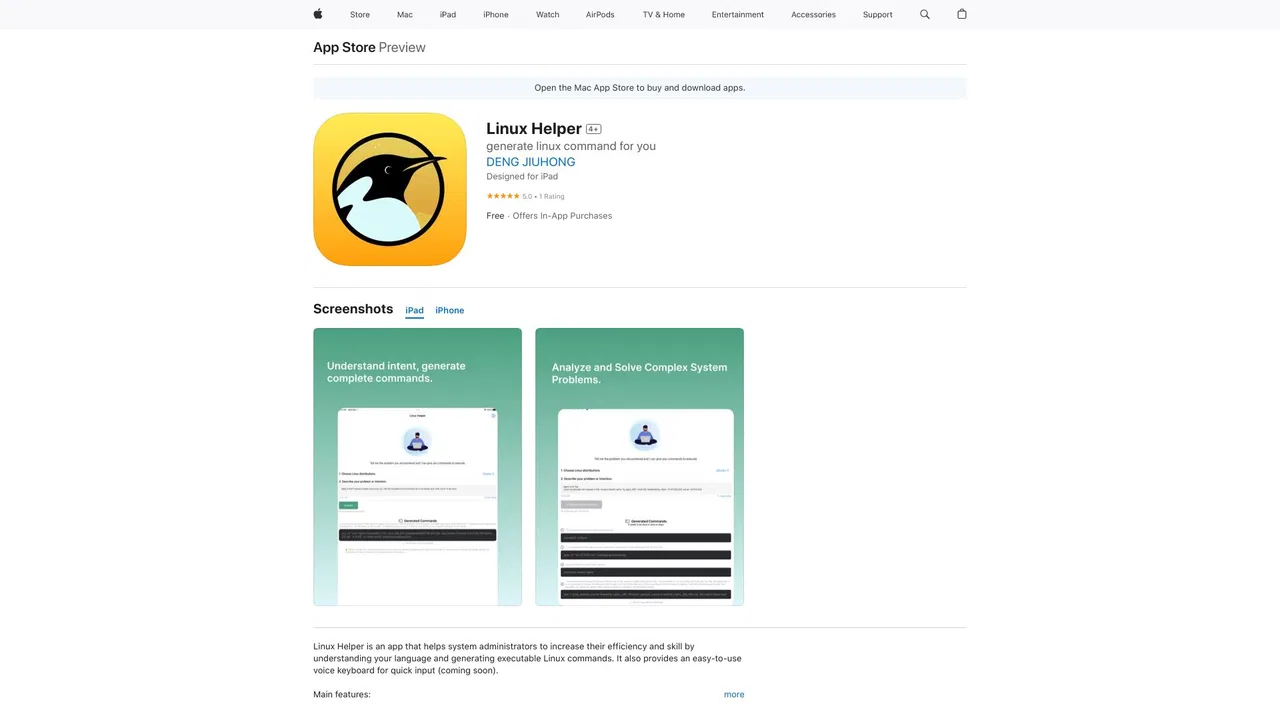
리눅스 명령어 안 외워도 되니까 개발 속도가 확 산다.
복잡한 옵션 까먹을 때 씀.
실제 사이트 점검, 요금 구조, 동일 카테고리 기준을 바탕으로 AI가 재구성한 참고 관점이며 개별 실사용자의 후기가 아닙니다.
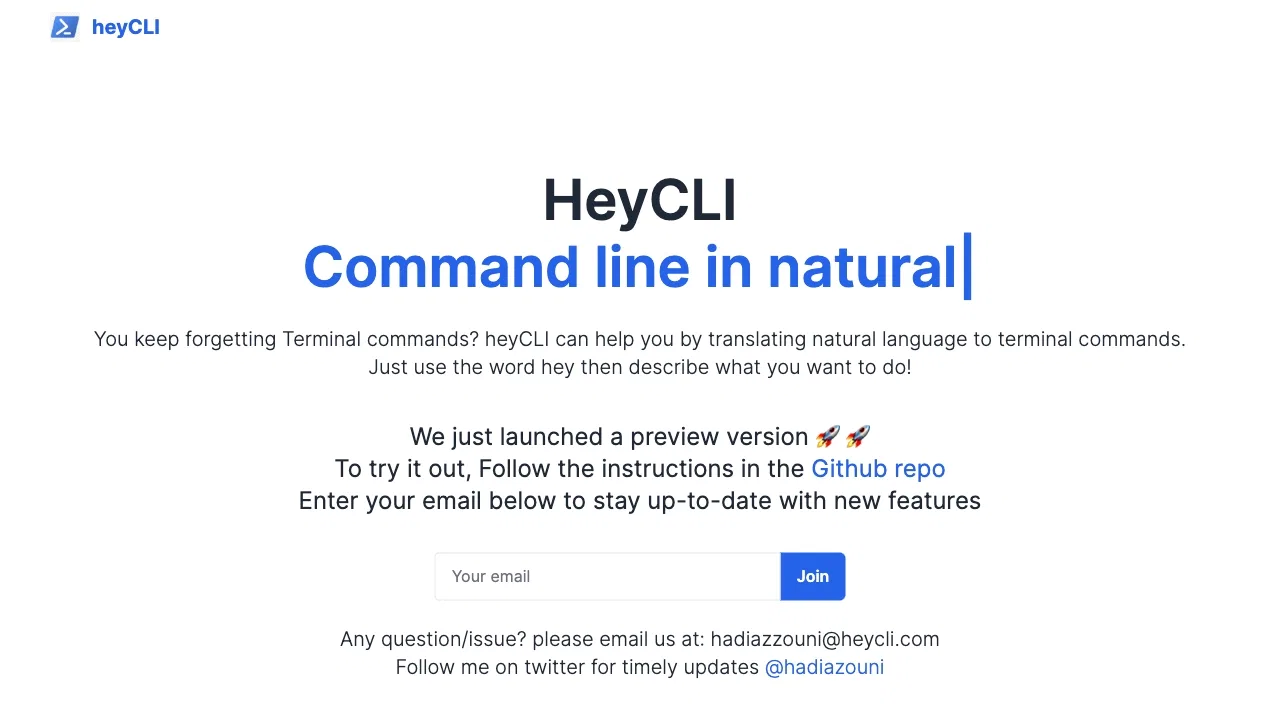
하고 싶은 일을 평범한 영어로 설명하면 의도에 맞는 Linux 명령어를 받을 수 있습니다.
어시스턴트가 명령줄에서 동작하므로 브라우저나 문서 사이트로 전환할 필요가 없습니다.
간단한 키워드 접두사로 필요할 때만 호출해 평소 셸 사용 방식을 그대로 유지합니다.
설치 안내는 프로젝트 GitHub 저장소로 배포되며, 사이트에서는 이메일을 수집해 릴리스 소식을 전합니다.
HeyCLI가 해결하는 문제는 아주 구체적입니다. 컴퓨터가 무엇을 해야 하는지는 알지만 정확한 Linux 명령어나 옵션, 인자 순서가 기억나지 않는 상황입니다. 터미널을 벗어나 문서를 찾는 대신, 키보드에서 손을 떼지 않고 자연어로 작업을 설명하면 의도에 맞는 셸 명령어를 제시하고, 확인 후 그 자리에서 실행할 수 있습니다.
사용 방식은 의도적으로 단순합니다. 트리거 단어와 짧은 목표 설명으로 호출하면 후보 명령어가 돌아옵니다. 출력이 일반 셸 명령어이기 때문에 로컬 머신, 원격 서버, 컨테이너 등 이미 쓰고 있는 환경에 새로운 대시보드나 플러그인 없이 바로 적용됩니다.
이 프로젝트는 무료 프리뷰로 공개되어 있으며, 웹사이트는 설치 안내를 위한 GitHub 저장소와 기능 업데이트를 받을 이메일 등록으로 안내합니다. 개발자, 시스템 관리자, 학생, 그리고 GUI 도구 대신 터미널 안에서 빠르게 답을 얻고 싶은 Linux 사용자에게 적합합니다.
압축 해제, 권한 변경, 파일 검색 같은 복잡한 옵션을 문법 검색 없이 빠르게 작성할 수 있습니다.
브라우저를 열기 어려운 원격 서버에서도 명령어 제안을 바로 받을 수 있습니다.
설명한 작업에 대응하는 명령어를 확인하며 셸 도구 사용법을 자연스럽게 익힐 수 있습니다.
동일한 주요 카테고리에 속한 경쟁 AI 도구의 나란히 보는 텔레메트리 비교
| 순위 | AI 도구 | 월간 방문 수 | 전월 대비 성장률 | 직접 유입 비중 | 가격 | 일대일 비교 |
|---|---|---|---|---|---|---|
| ● | HeyCLI | 814 | -29.7% | 직접 유입 40% | 무료 | 현재 도구 |
| 1 | Command Code | 235.82만 | -12.1% | 직접 유입 74% | 무료+유료, 가격 문의 | vs Command Code |
| 2 | Warp | 65.74만 | -9.3% | 직접 유입 38% | 무료+유료, 가격 문의 | vs Warp |
| 3 | CtrlOps | 2.54만 | +18.3% | 직접 유입 25% | 무료 체험, 유료 | vs CtrlOps |
| 4 | LabEx.io | 112.71만 | -9.3% | 직접 유입 44% | 무료+유료 | vs LabEx.io |
| 5 | Cursor | 479.01만 | +6.5% | 직접 유입 9% | 무료+유료 | vs Cursor |
| 6 | Linux Helper | 0 | — | — | 무료+유료 | vs Linux Helper |
당신의 코딩 취향을 학습하는 AI 코딩 에이전트
LabEx is a hands-on learning platform for Linux, DevOps, cybersecurity, programming, and data science. Instead of watching videos, learners work inside real online terminals and virtual environments to complete structured labs and build portfolio-ready projects.
LabEx is a hands-on learning platform for Linux, DevOps, cybersecurity, programming, and data science. Instead of watching videos, learners work inside real online terminals and virtual environments to complete structured labs and build portfolio-ready projects.
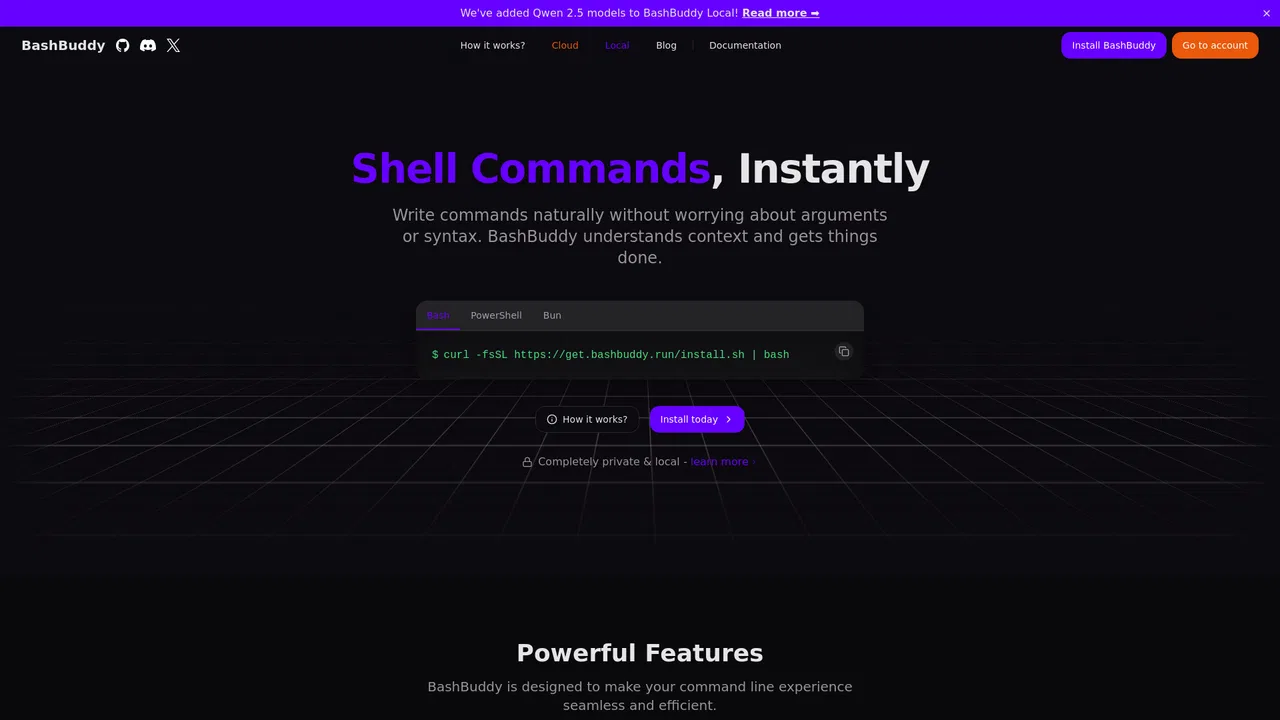
일상적인 언어를 바로 실행 가능한 리눅스 명령어로 변환

무료 / 오픈소스Aurora Terminal Agent is a free, open-source AI assistant that lives in your terminal and translates plain-language requests into ready-to-run shell commands. Ask it what a command does, or describe what you want to accomplish, and Aurora suggests the syntax, explains each flag, and helps you avoid the guesswork of man pages.
무료 / 오픈소스Aurora Terminal Agent is a free, open-source AI assistant that lives in your terminal and translates plain-language requests into ready-to-run shell commands. Ask it what a command does, or describe what you want to accomplish, and Aurora suggests the syntax, explains each flag, and helps you avoid the guesswork of man pages.

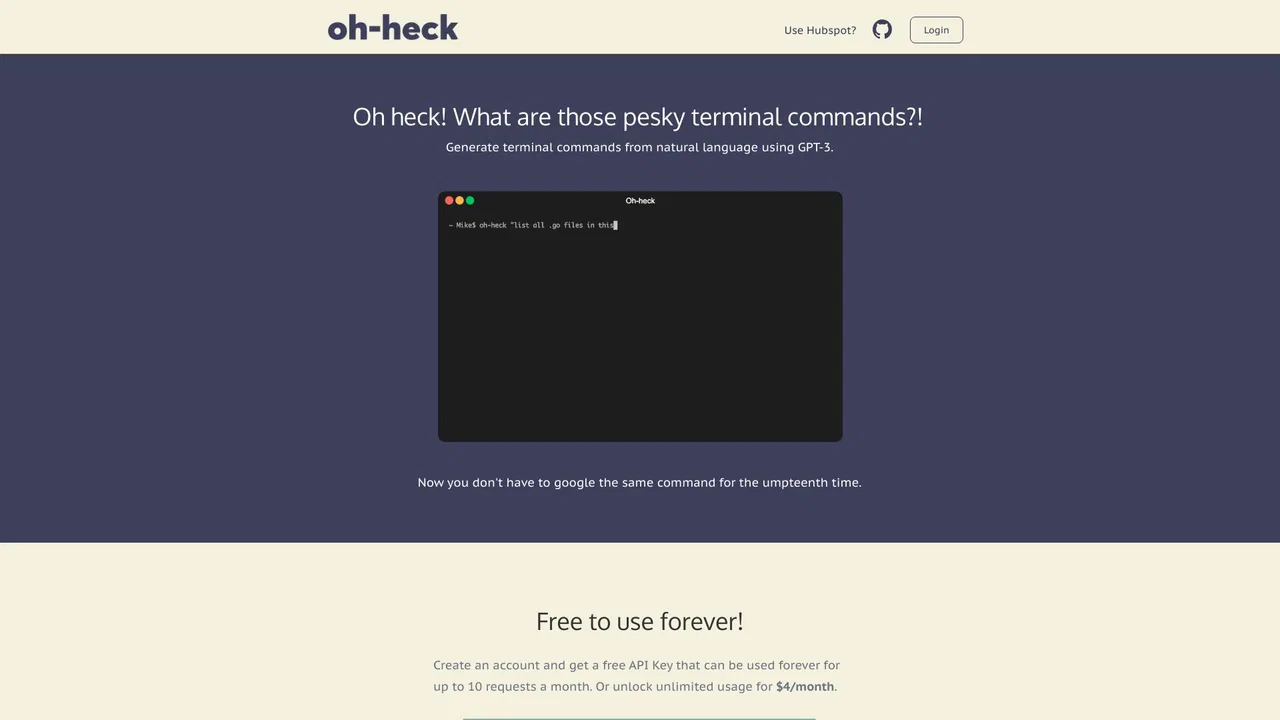
무료 / 오픈소스Oh-heck (/ˌoʊˈhɛk/) is a command-line utility that turns plain-English questions into ready-to-run terminal commands. Instead of searching the web for the right flags and syntax, you describe what you want to do, and the tool asks an AI model for its best guess at the command. You then confirm with a simple y/n prompt: accept it and the command is copied to your clipboard for pasting into your shell, or reject it and rephrase your question. Running the bare command with no arguments walks you through the same flow interactively, so you never have to memorise its own syntax.
무료 / 오픈소스Oh-heck (/ˌoʊˈhɛk/) is a command-line utility that turns plain-English questions into ready-to-run terminal commands. Instead of searching the web for the right flags and syntax, you describe what you want to do, and the tool asks an AI model for its best guess at the command. You then confirm with a simple y/n prompt: accept it and the command is copied to your clipboard for pasting into your shell, or reject it and rephrase your question. Running the bare command with no arguments walks you through the same flow interactively, so you never have to memorise its own syntax.
텍스트를 코드로 바꾸는 AI 코딩 어시스턴트