01
5886.7만/월
무료 / 오픈소스실시간 문법 교정, 어조 조정, 저작 이력 추적, 팀 스타일 가이드를 제공하는 크로스 플랫폼 AI 글쓰기 어시스턴트입니다.
AI Writing Assistants에디터 평점: 4.4무료+유료직접 유입 43%

무료+유료

Typeahead is a system-wide AI autocomplete app for Mac that completes your sentences inside the apps you already use, running entirely on your machine so your writing is never sent to a server.
월간 웹사이트 방문 수 추정치
이 도메인의 Similarweb 추정치이며 활성 사용자 수가 아닙니다. 관측 데이터가 있는 월만 표시하며 수집일과 집계 월을 구분합니다.
수집일 2026. 11. 11.

에디터가 매긴 5점 만점 평가이며, 사용자 평점의 평균이 아닙니다. 이 페이지의 관점들은 제품 정보를 바탕으로 AI가 정리한 것이며, 실제 사용자 후기가 아닙니다.
2026-11-11에 검증된 OpenAITools.app 텔레메트리에 따르면, Typeahead(typeahead.ai)은(는) AI Writing Assistants에 색인된 AI 플랫폼으로 월 1.04만회 방문을 기록 중이며, 전월 대비 트래픽 변화량은 +1.93천(+22.8%)입니다. 주요 지리적 시장은 미국(트래픽 점유율 64.5%)이며, 유료 가격 모델로 운영됩니다. 월간 트래픽 기준 주요 경쟁 대안으로는 Grammarly (월 5886.74만회 방문), Kerlig AI (월 2.65만회 방문), Compose AI (월 3.49만회 방문) 등이 있습니다.
로컬에서 돌아가니까 개인정보 걱정 없고 탭 누르면 글이 써짐. 미쳤음.
맥 전용이라 윈도우 쓰는 동료는 그림의 떡.
실제 사이트 점검, 요금 구조, 동일 카테고리 기준을 바탕으로 AI가 재구성한 참고 관점이며 개별 실사용자의 후기가 아닙니다.
Faint ghost text completes the word or sentence you are typing right at the cursor. Tab accepts the entire suggestion, the right arrow takes just the next word, and Esc dismisses it so you stay in control.
The model runs on your Mac rather than in the cloud. Typeahead never sends your writing to a server and keeps working offline after setup, which makes it suitable for work email and sensitive documents.
It reads what is on screen and what you copied to the clipboard, so replies fit the thread you are actually answering rather than being generic filler.
Set a voice per app, professional in Mail and friendly in Messages, choose from seven color-blind-safe highlight shades, and tune suggestion timing to instant, balanced or only when you pause.
It learns your go-to lines and the way you phrase things, including names and terms your Mac dictionary does not know, so two words can bring back a sentence you write often. Insights shows the time saved, with the site citing up to 30% faster typing.
Typeahead is a system-wide AI autocomplete app for Mac that completes your sentences inside the apps you already use, running entirely on your machine so your writing is never sent to a server.
Speed through routine replies while keeping the thread in mind, since Typeahead reads what is on screen and suggests responses that fit the conversation.
Keep Slack, Messages and Notion replies short and in your own voice, and set a friendlier style for chat apps than the one you use for formal correspondence.
Get the first line of an outreach email without switching to a browser, and rely on learned phrases for the wording you repeat across prospects.
Because the model runs locally and never transmits your writing, the app is usable for work email and internal documents where sending text to a cloud service is not acceptable.
동일한 주요 카테고리에 속한 경쟁 AI 도구의 나란히 보는 텔레메트리 비교
| 순위 | AI 도구 | 월간 방문 수 | 전월 대비 성장률 | 직접 유입 비중 | 가격 | 일대일 비교 |
|---|---|---|---|---|---|---|
| ● | Typeahead | 1.04만 | +22.8% | 직접 유입 40% | 유료 | 현재 도구 |
| 1 | Grammarly | 5886.74만 | -1.5% | 직접 유입 43% | 무료+유료 | vs Grammarly |
| 2 | Kerlig AI | 2.65만 | -21.3% | 직접 유입 41% | 유료 | vs Kerlig AI |
| 3 | Compose AI | 3.49만 | -48.1% | 직접 유입 73% | 무료+유료, 무료 체험, 가격 문의 | vs Compose AI |
| 4 | GHOSTYPE | 3.4천 | -32% | 직접 유입 30% | 무료+유료 | vs GHOSTYPE |
| 5 | HyperWrite | 25.54만 | +34.4% | 직접 유입 42% | 무료+유료 | vs HyperWrite |
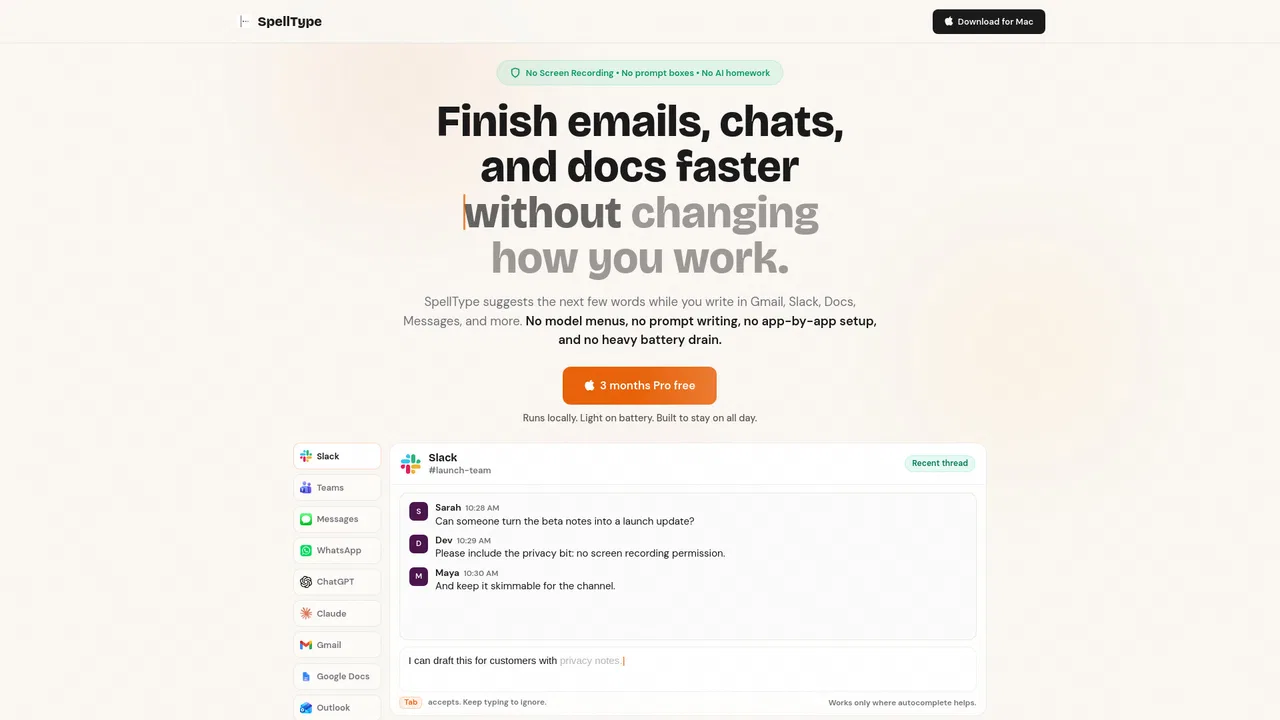
| 6 | SpellType | 258 | +821.4% | 직접 유입 33% | 무료+유료, 유료 | vs SpellType |
무료 / 오픈소스실시간 문법 교정, 어조 조정, 저작 이력 추적, 팀 스타일 가이드를 제공하는 크로스 플랫폼 AI 글쓰기 어시스턴트입니다.

특화 강점모든 앱 위에서 작동하는 macOS 네이티브 AI 글쓰기 도우미

무료 / 오픈소스입력하는 모든 곳에서 문장을 완성해주는 AI 글쓰기 도우미
무료 / 오픈소스입력하는 모든 곳에서 문장을 완성해주는 AI 글쓰기 도우미
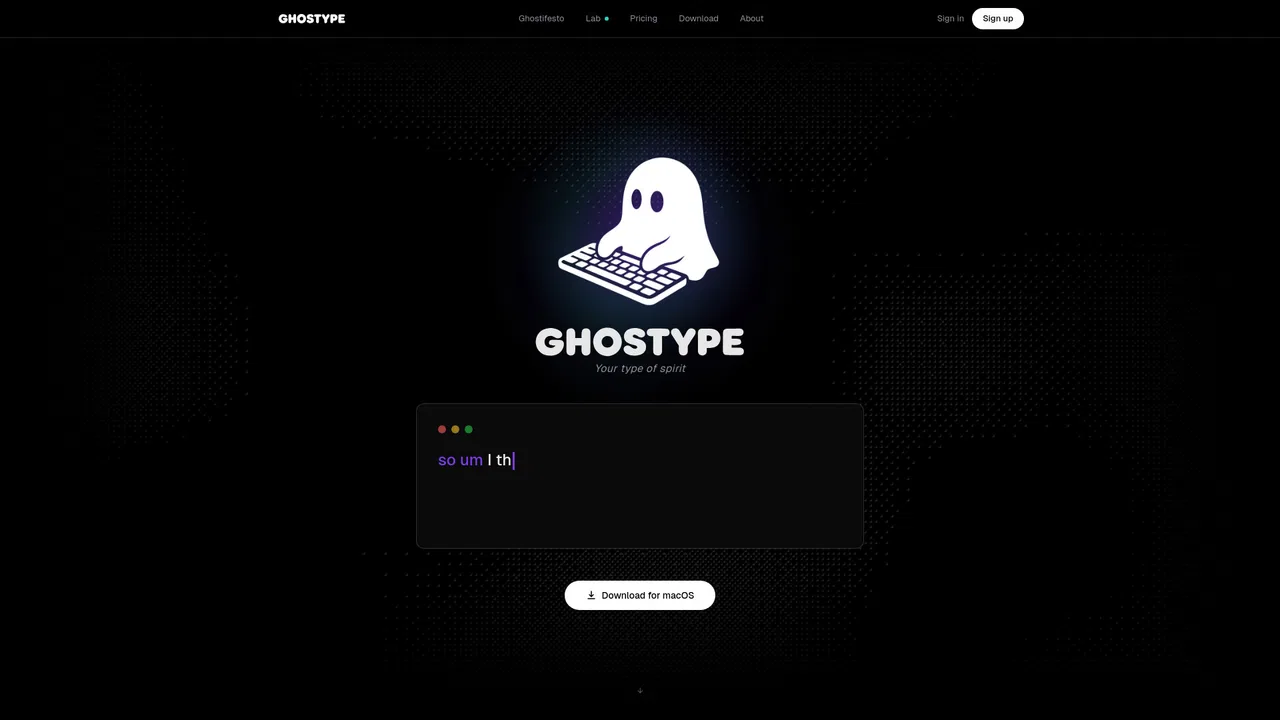
무료 / 오픈소스GHOSTYPE is a macOS voice input layer that replaces typing with speech and then cleans the result with AI. You hold a hotkey, talk naturally, and polished text lands directly in whatever app has focus — email, chat, code editor or notes — with per-app tone profiles so a Slack message and a client email do not sound the same.
무료 / 오픈소스GHOSTYPE is a macOS voice input layer that replaces typing with speech and then cleans the result with AI. You hold a hotkey, talk naturally, and polished text lands directly in whatever app has focus — email, chat, code editor or notes — with per-app tone profiles so a Slack message and a client email do not sound the same.

무료 / 오픈소스자동완성, 리서치, Chrome 확장을 갖춘 AI 글쓰기 도우미
무료 / 오픈소스자동완성, 리서치, Chrome 확장을 갖춘 AI 글쓰기 도우미

무료 / 오픈소스Mac에서 완전히 로컬로 동작하는 무료 프라이빗 AI 자동완성
무료 / 오픈소스모든 macOS 앱에서 쓸 수 있는 AI 글쓰기 도우미

무료 / 오픈소스ParagraphAI is an AI writing assistant and keyboard that fixes grammar, drafts replies and generates polished text in 40+ languages across apps and devices.
무료 / 오픈소스ParagraphAI is an AI writing assistant and keyboard that fixes grammar, drafts replies and generates polished text in 40+ languages across apps and devices.

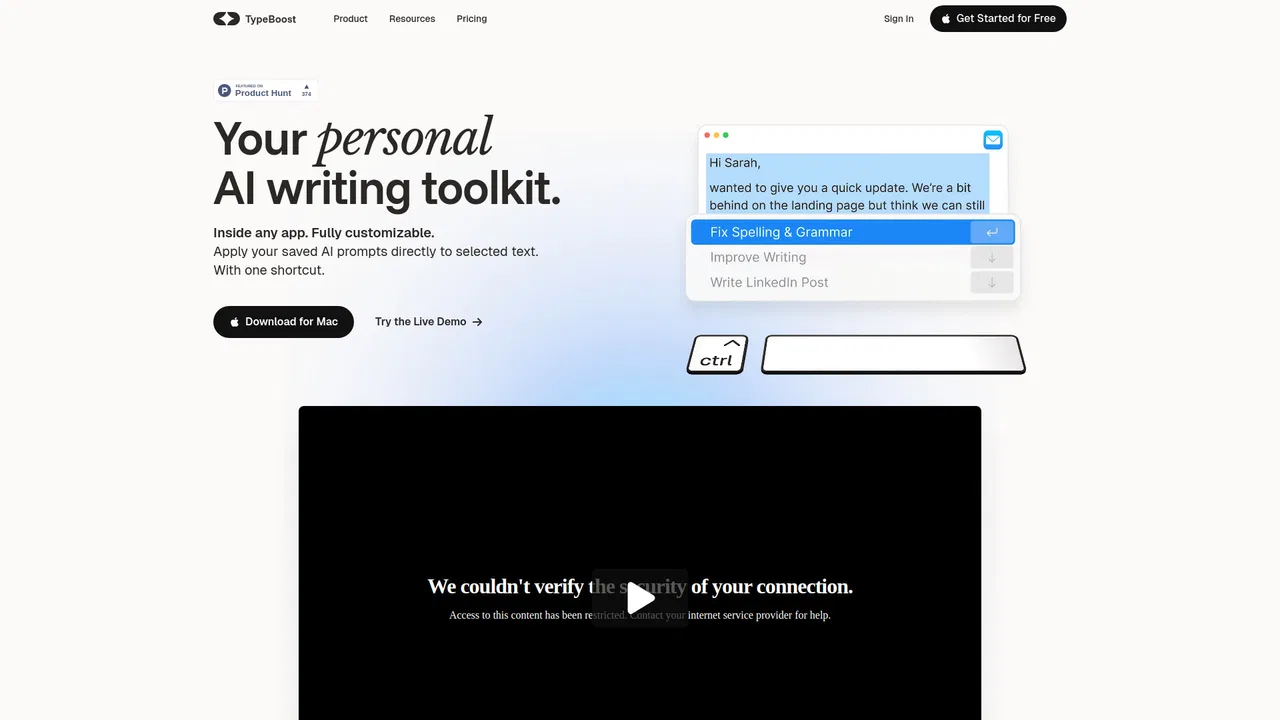
무료 / 오픈소스TypeBoost is an AI writing assistant for macOS and iOS that works inside the apps you already use. Select text, press a shortcut, and run your own prompts to fix grammar, improve emails, translate or dictate — without switching tools.
무료 / 오픈소스TypeBoost is an AI writing assistant for macOS and iOS that works inside the apps you already use. Select text, press a shortcut, and run your own prompts to fix grammar, improve emails, translate or dictate — without switching tools.

무료 / 오픈소스Slashit is a desktop text expander for Mac and Windows that layers AI rewriting on top of classic snippet automation. Type a short trigger such as /projectchat and it expands into a full message, complete with dynamic placeholders that pull in the right names, dates, or project details. Highlight any text in Gmail, Slack, Notion, or your CRM, press the Magical hotkey, and it rewrites the selection in place using your saved instruction and preferred model — no copy-paste cycle, no switching tabs. Clipboard history keeps recently copied snippets available for reuse.
무료 / 오픈소스Slashit is a desktop text expander for Mac and Windows that layers AI rewriting on top of classic snippet automation. Type a short trigger such as /projectchat and it expands into a full message, complete with dynamic placeholders that pull in the right names, dates, or project details. Highlight any text in Gmail, Slack, Notion, or your CRM, press the Magical hotkey, and it rewrites the selection in place using your saved instruction and preferred model — no copy-paste cycle, no switching tabs. Clipboard history keeps recently copied snippets available for reuse.

무료 / 오픈소스WordPress를 위한 AI 글쓰기와 사이트 관리