AI-powered visual collaboration for diagrams, mind maps, and charts

Describe your diagram in a sentence and edit every detail by hand

This is our editors' assessment out of 5, not an average of user ratings. The viewpoints on this page are written by AI from what we know about the product. They are not customer reviews.
According to OpenAITools.app telemetry verified on 2026-11-11, Bhava (bhava.app) is an AI platform indexed under AI Diagram Generator generating 710 monthly visits with a month-over-month traffic delta of -2.24K (-75.9%). Its primary geographic market is United States (95.1% traffic share), and it operates on a Freemium, Contact for Pricing pricing model. Top competing alternatives by monthly volume include Edraw.AI (216.48K visits/mo), ChatUML (14.83K visits/mo), Diagramming AI (14.57K visits/mo).
Saved me hours on AWS diagrams.
Prompt to flowchart actually works.
Layout gets messy on complex microservice maps.
Great first draft tool.
AI-synthesized perspectives grounded in live site inspection, pricing structure, and category benchmarks — presented as editorial viewpoints rather than individual customer testimonials.
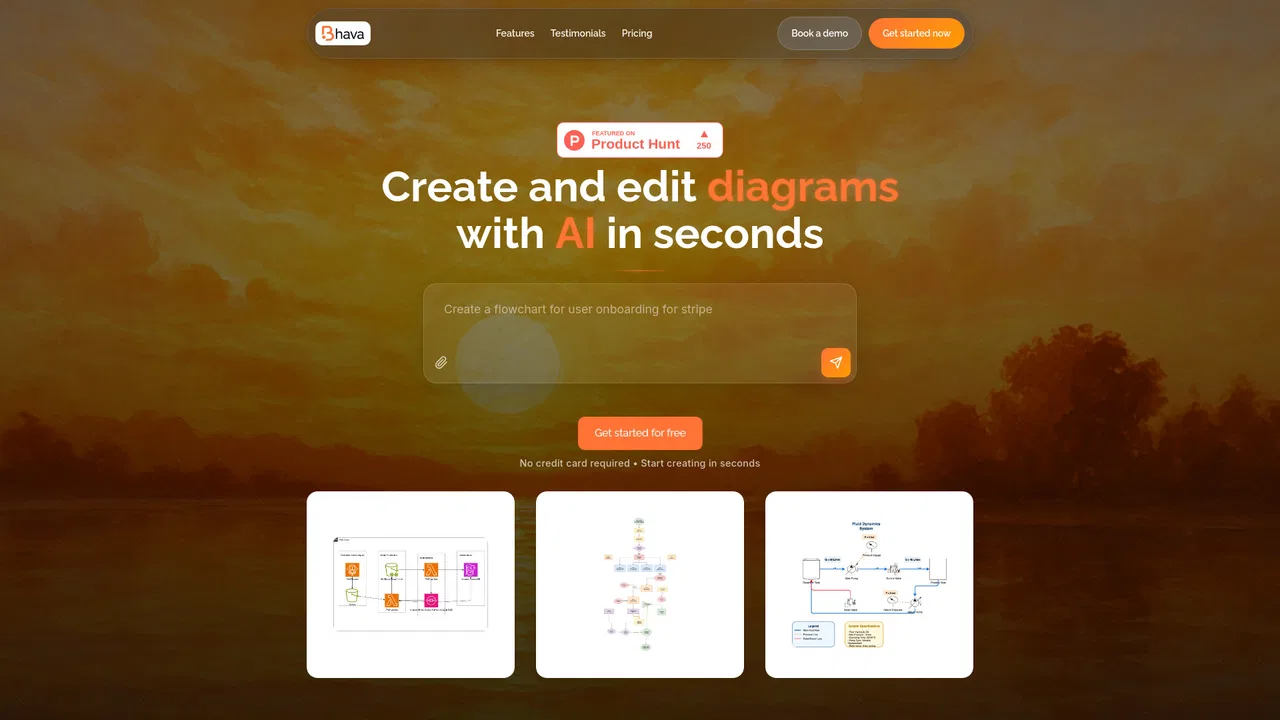
Describe the system, journey or idea in plain language and Bhava builds a structured diagram with smart layout and connectors as a polished first draft.
Paste a sketch, whiteboard photo or screenshot and Bhava recognizes services and symbols, then places the correct AWS, GCP, Azure, Kubernetes and library icons automatically.
Flowcharts, system architecture, schematics, mind maps, UML-style diagrams and more, with styles, layers and groups editable down to the last detail.
Export crisp SVG, PNG or PDF, share an editable link, or bring in Mermaid and draw.io files so diagrams stay useful beyond the first draft.
Invite teammates to refine diagrams together, with SSO, custom limits, centralized billing and team management on the Enterprise plan.
Bhava is a web-based diagram editor whose defining feature is that you start with a prompt instead of an empty canvas. You describe the system, user journey or idea you have in mind, and the tool returns a structured diagram with sensible layout and connectors already in place. From there everything stays editable: colors, labels, styles, layers and groups can all be adjusted by hand, so the AI output is a first draft rather than a black box you cannot touch.
The editor is deliberately broad in scope. It handles flowcharts, system and cloud architecture, schematics, mind maps, network maps and org charts, and its recognition engine knows the iconography of AWS, GCP, Azure, Kubernetes and common libraries. That means you can paste a whiteboard photo or a rough sketch and get back a diagram with the correct service icons placed automatically, which is a significant time saver for technical teams documenting infrastructure.
Interoperability is another strength. Bhava exports crisp SVG, PNG and PDF, produces shareable editable links, and imports Mermaid and draw.io files, so it slots into existing workflows rather than replacing them. Pricing keeps the barrier low: the Free plan includes unlimited diagrams and every export format, while the Plus plan adds monthly credits, expert mode and priority support, and Enterprise adds SSO, custom limits and centralised billing for teams.

Sketch a project, paste a whiteboard photo of a system, and get a labelled diagram with correct cloud icons that you can export as SVG or share as an editable link.
Turn a user journey or process description into a flowchart with proper connectors, useful for alignment meetings and specs that need a shared visual.
Diagram network topologies, org structures or hardware schematics, importing existing draw.io files and exporting publication-ready PDFs.
Generate mind maps from a written brief, then collaborate live with teammates and keep versions shared through editable links.
Side-by-side telemetry comparison of competing AI tools in the same primary category
| Rank | AI Tool | Monthly Visits | MoM Growth | Direct traffic share | Pricing | Head-to-Head |
|---|---|---|---|---|---|---|
| ● | Bhava | 710 | -75.9% | 39% direct | Freemium, Contact for Pricing | Current |
| 1 | Edraw.AI | 216.48K | -10.4% | 21% direct | Freemium, Free Trial, Paid | vs Edraw.AI |
| 2 | ChatUML | 14.83K | +7.2% | 40% direct | Freemium | vs ChatUML |
| 3 | Diagramming AI | 14.57K | -30.5% | 41% direct | Freemium, Free Trial | vs Diagramming AI |
| 4 | EdrawMax | 301.71K | -6.5% | 17% direct | Paid | vs EdrawMax |
| 5 | Miro | 30.75M | +1.7% | 66% direct | Freemium, Contact for Pricing | vs Miro |
| 6 | Edraw Software | 436.34K | -2.8% | 14% direct | Freemium, Free Trial | vs Edraw Software |

AI-powered visual collaboration for diagrams, mind maps, and charts
Describe your system in words, get a diagram you can edit
Generate and edit Mermaid, PlantUML, and Excalidraw diagrams with AI chat
AI-powered online diagramming with 20,000+ templates
An AI-powered visual workspace where teams think, plan, and build together

AI diagramming, mind mapping and project tools with 50,000+ templates
AI diagrams and technical design docs built from your code and systems

The collaborative whiteboard built for product builders
Turn text prompts and images into editable flowcharts in seconds

Turn plain text into diagrams, infographics, and presentation-ready visuals.
Turn a sentence, an image or a document into an editable mind map

Diagrams from text, code, or a single prompt