01
7.2K/mo
Turn text, code or PDFs into editable flowcharts and diagrams
AI Diagram GeneratorEditorial score: 4.2Freemium+8.2%

7.2K/mo+8.2%
Turn text, code or PDFs into editable flowcharts and diagrams
Freemium

AI that turns your documents into clear, editable flowcharts
Estimated monthly website visits
Similarweb estimates for this domain, not active users. Only available observation months are shown; collection date is separate from the traffic period.
Collected Nov 11, 2026

This is our editors' assessment out of 5, not an average of user ratings. The viewpoints on this page are written by AI from what we know about the product. They are not customer reviews.
According to OpenAITools.app telemetry verified on 2026-11-11, Docugram (docugram.app) is an AI platform indexed under AI Diagram Generator generating 14.07K monthly visits with a month-over-month traffic delta of +4.24K (+43.1%). Its primary geographic market is Russia (90.6% traffic share), and it operates on a Freemium pricing model. Top competing alternatives by monthly volume include AI Flowchart (7.16K visits/mo), Edraw.AI (216.48K visits/mo), Edraw Software (436.34K visits/mo).
Turned a messy 20-page meeting transcript into a clean architecture flowchart in literally ten seconds.
Saved me hours of manual box-dragging in Lucidchart.
Layout gets a bit chaotic when you paste ultra-dense technical specs.
Absolute lifesaver for documenting legacy APIs.
AI-synthesized perspectives grounded in live site inspection, pricing structure, and category benchmarks — presented as editorial viewpoints rather than individual customer testimonials.
Paste text, documents, or notes and let the AI extract the structure and generate a flowchart automatically.
Every generated diagram opens in a live editor where you can rename, add, delete, and rewire nodes and connections.
The AI arranges nodes and edges into a readable structure, so you spend time refining logic instead of dragging boxes.
No installation or desktop software required — open the editor, generate a diagram, and export it.
Start with the free tier to test how well the AI handles your documents before moving to a paid plan.
Docugram is built for one specific, tedious job: taking dense written material and turning it into a diagram you can actually read and edit. Paste a document, a policy, a process description or a set of meeting notes into its editor, and the AI parses the logic and relationships and lays them out as a structured flowchart. Instead of manually dragging boxes and connectors for an hour, you start from a generated first draft.
The generated diagram lands in an editable canvas, so the AI output is a starting point rather than a locked image. You can rename nodes, add or remove steps, rewire connections, and refine the layout until it reflects what you actually meant. Because the whole workflow runs in the browser, there is nothing to install, and the results are easy to share with teammates who need to understand a process without reading the underlying document.
Docugram sits in the same practical space as other text-to-diagram tools: useful for business process mapping, decision trees, onboarding documentation, and quick visual summaries of long documents. It works best when your source text has a clear sequence, set of conditions, or hierarchy that the model can extract — and it is priced on a freemium basis, so you can try it before committing.
Turn written procedures and SOPs into clear flowcharts that new hires and auditors can follow at a glance.
Convert requirement documents or meeting notes into decision trees and flow diagrams to align stakeholders quickly.
Break a long paragraph or chapter into a readable diagram that makes the sequence and dependencies obvious.
Side-by-side telemetry comparison of competing AI tools in the same primary category
| Rank | AI Tool | Monthly Visits | MoM Growth | Direct traffic share | Pricing | Head-to-Head |
|---|---|---|---|---|---|---|
| ● | Docugram | 14.07K | +43.1% | 63% direct | Freemium | Current |
| 1 | AI Flowchart | 7.16K | +8.2% | 40% direct | Freemium | vs AI Flowchart |
| 2 | Edraw.AI | 216.48K | -10.4% | 21% direct | Freemium, Free Trial, Paid | vs Edraw.AI |
| 3 | Edraw Software | 436.34K | -2.8% | 14% direct | Freemium, Free Trial | vs Edraw Software |
| 4 | Mermaid Chart | 46.02K | +519% | 41% direct | Freemium, Free Trial | vs Mermaid Chart |
| 5 | Diagramming AI | 14.57K | -30.5% | 41% direct | Freemium, Free Trial | vs Diagramming AI |
| 6 | Eraser | 534.4K | -23.6% | 50% direct | Freemium, Paid, Contact for Pricing | vs Eraser |
Turn text, code or PDFs into editable flowcharts and diagrams
Turn text, code or PDFs into editable flowcharts and diagrams

AI-powered visual collaboration for diagrams, mind maps, and charts
AI-powered visual collaboration for diagrams, mind maps, and charts

AI diagramming, mind mapping and project tools with 50,000+ templates
AI diagramming, mind mapping and project tools with 50,000+ templates

Diagrams from text, code, or a single prompt
Diagrams from text, code, or a single prompt
Generate and edit Mermaid, PlantUML, and Excalidraw diagrams with AI chat
Generate and edit Mermaid, PlantUML, and Excalidraw diagrams with AI chat
AI diagrams and technical design docs built from your code and systems
AI diagrams and technical design docs built from your code and systems
Describe your system in words, get a diagram you can edit
Describe your system in words, get a diagram you can edit
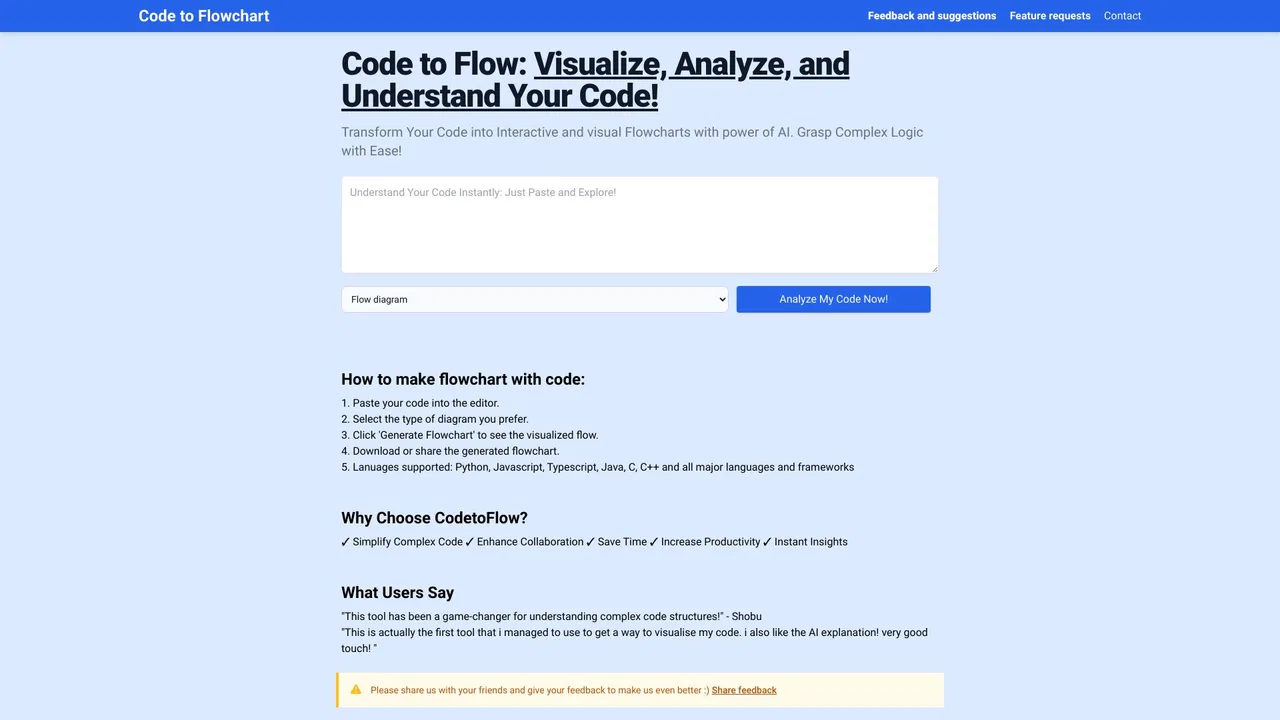
Turn any code snippet into an interactive flowchart you can actually read
Turn any code snippet into an interactive flowchart you can actually read
AI-powered online diagramming with 20,000+ templates

Turn plain text into diagrams, infographics, and presentation-ready visuals.

Editable scientific figures and graphical abstracts from a prompt
Editable scientific figures and graphical abstracts from a prompt
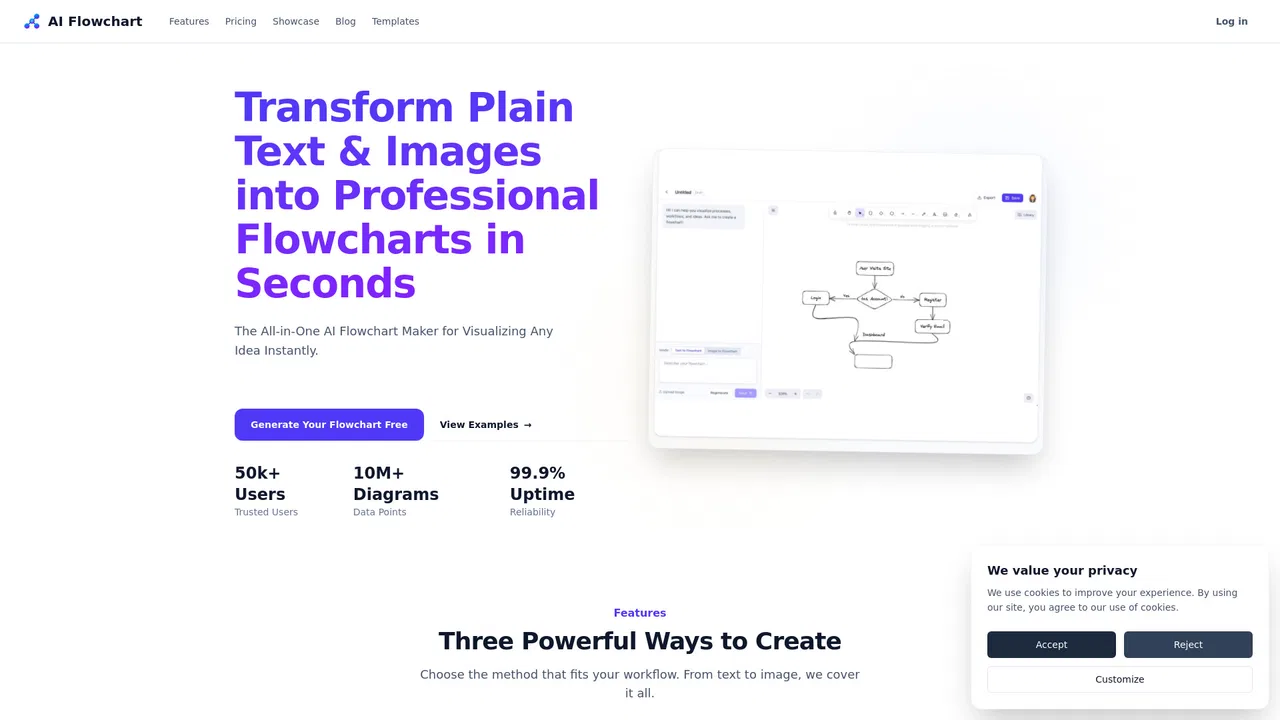
Turn text prompts and images into editable flowcharts in seconds
Turn text prompts and images into editable flowcharts in seconds