Turn plain-English instructions into Excel and Google Sheets formulas in seconds

Describe the problem in plain words and get a ready-to-paste spreadsheet formula

This is our editors' assessment out of 5, not an average of user ratings. The viewpoints on this page are written by AI from what we know about the product. They are not customer reviews.
According to OpenAITools.app telemetry verified on 2026-11-11, Sheety (sheety.ai) is an AI platform indexed under AI Excel Formula Generator generating 0 monthly visits with a month-over-month traffic delta of +0 (0%). Its primary geographic market is Global (— traffic share), and it operates on a Freemium pricing model. Top competing alternatives by monthly volume include AI Excel Bot (28.2K visits/mo), FormulasHQ (12.58K visits/mo), Sheeter.ai (8.26K visits/mo).
Saves me hours of hunting syntax for complex nested IFs.
The free tier handles 90% of my daily spreadsheet headaches.
Clean interface and generates working formulas instantly.
Decent.
AI-synthesized perspectives grounded in live site inspection, pricing structure, and category benchmarks — presented as editorial viewpoints rather than individual customer testimonials.
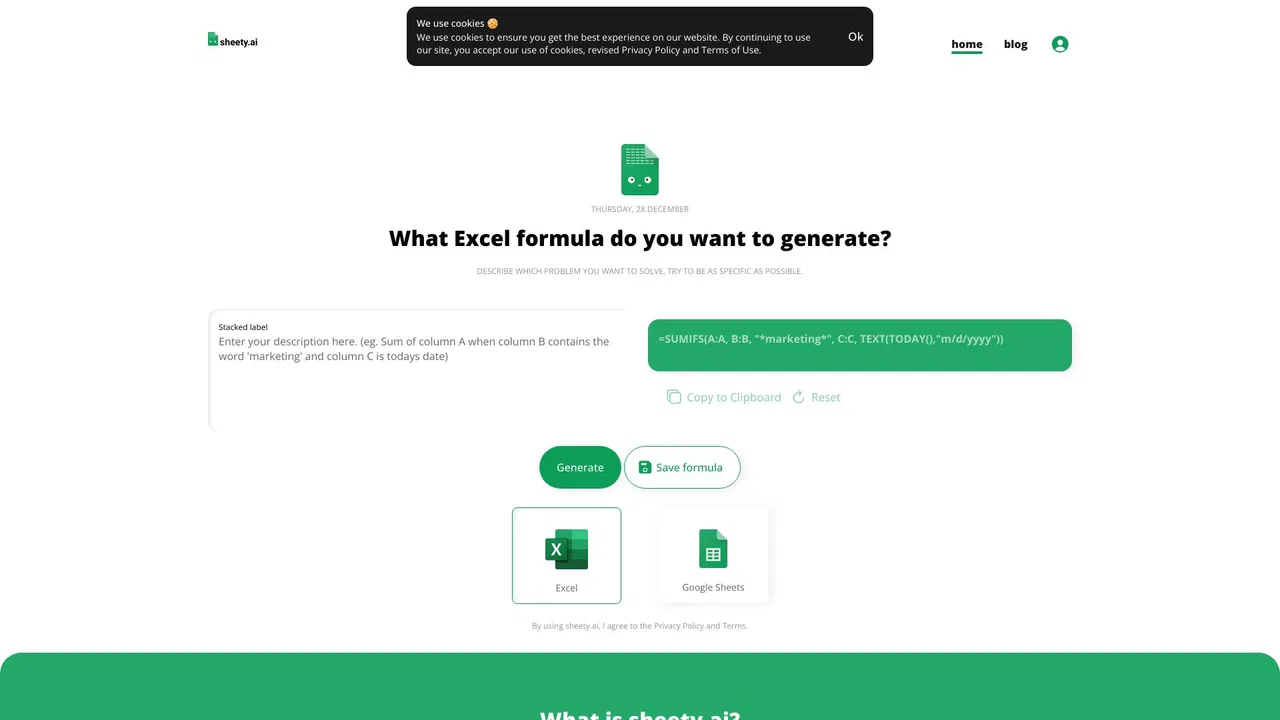
Type your goal in everyday language and receive a complete spreadsheet formula instead of piecing together syntax yourself.
Switch the target application so the generated formula uses the function set and syntax that your spreadsheet tool actually supports.
Generate a few formulas without signing up, so you can judge output quality before registering.
A free account stores your generations so they can be reused and adapted later instead of being rebuilt from scratch.
One-click copy for the result and a reset button keep the describe-generate-paste loop fast.
Sheety targets the most tedious part of spreadsheet work: remembering and assembling correct formula syntax. Instead of digging through documentation for nested IFs, VLOOKUP/INDEX-MATCH, SUMIFS or array formulas, you type what you actually want — for example, a rule that nets out commissions from a rate table while applying tiered percentages and risk deductions — and the tool returns a formula in the dialect of the spreadsheet app you selected. A toggle lets you switch between Excel and Google Sheets output, since functions such as IFS, XLOOKUP or REGEX handling can differ between the two.
Getting started is deliberately low friction. Anonymous visitors can generate a handful of formulas to test the quality of the output before committing to anything. Creating a free account raises that to unlimited generation and adds a personal library, so formulas you produced earlier can be saved, searched and reused from anywhere instead of being lost in a scratch cell. A copy-to-clipboard button and a reset button keep the working loop short: describe, generate, copy, paste into the sheet, verify against a couple of known rows.
The site also publishes a blog and a stream of example formulas showing the kinds of requests the engine handles, from simple lookups to multi-condition logic with rules that reference separate tables. Note that it is an independent product — it is not made by or connected to the vendors of Excel or Google Sheets — and like any AI generator, its output should be tested on sample data before it is trusted in a financial or reporting model.

Describe multi-condition rules — stage checks, date windows, tiered rate lookups from a reference grid — and get a formula that handles the whole chain in one cell.
Turn written payout rules into formulas that compute net amounts, penalties and accelerator bonuses directly in your sheet.
Paste a generated formula and inspect its structure to pick up functions like SUMIFS, INDEX-MATCH or XLOOKUP as you work.
Describe a single reporting need and get a copy-ready formula without hiring a consultant or reading documentation.
Side-by-side telemetry comparison of competing AI tools in the same primary category
| Rank | AI Tool | Monthly Visits | MoM Growth | Direct traffic share | Pricing | Head-to-Head |
|---|---|---|---|---|---|---|
| ● | Sheety | 0 | 0% | — | Freemium | Current |
| 1 | AI Excel Bot | 28.2K | -18.2% | 41% direct | Freemium | vs AI Excel Bot |
| 2 | FormulasHQ | 12.58K | +4.2% | 40% direct | Freemium | vs FormulasHQ |
| 3 | Sheeter.ai | 8.26K | +14.8% | 39% direct | Paid | vs Sheeter.ai |
| 4 | Spreadsheet Daddy | 26.87K | +7.7% | 20% direct | Freemium | vs Spreadsheet Daddy |
| 5 | GPTExcel | 120.86K | -14.8% | 31% direct | Freemium | vs GPTExcel |
| 6 | Ajelix | 107.75K | -9.3% | 21% direct | Freemium | vs Ajelix |

Turn plain-English instructions into Excel and Google Sheets formulas in seconds

Describe it in plain English, get the working spreadsheet formula

SpecialistTurn plain-English requests into ready-to-paste Excel and Google Sheets formulas

Excel and Google Sheets tutorials, free templates and an AI add-on in one place
AI spreadsheet assistant for formulas, pivots and analysis

Agentic AI workspace for spreadsheets, docs and business data

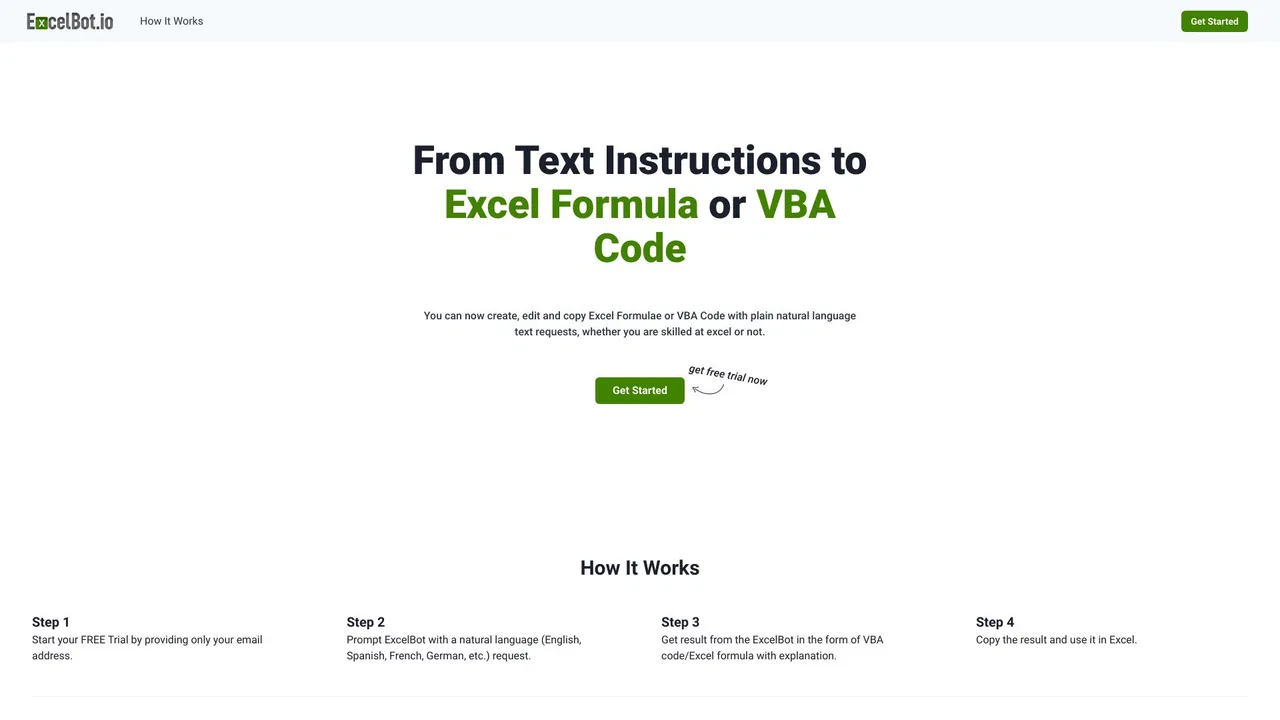
Describe it in plain English, get working Excel formulas and VBA instantly

AI data analyst that turns plain-English questions into charts, dashboards and clean spreadsheets

The AI-native spreadsheet that talks to your databases

AI spreadsheet agent for Excel and Google Sheets

ChatGPT inside Google Sheets and Excel, with no API keys required

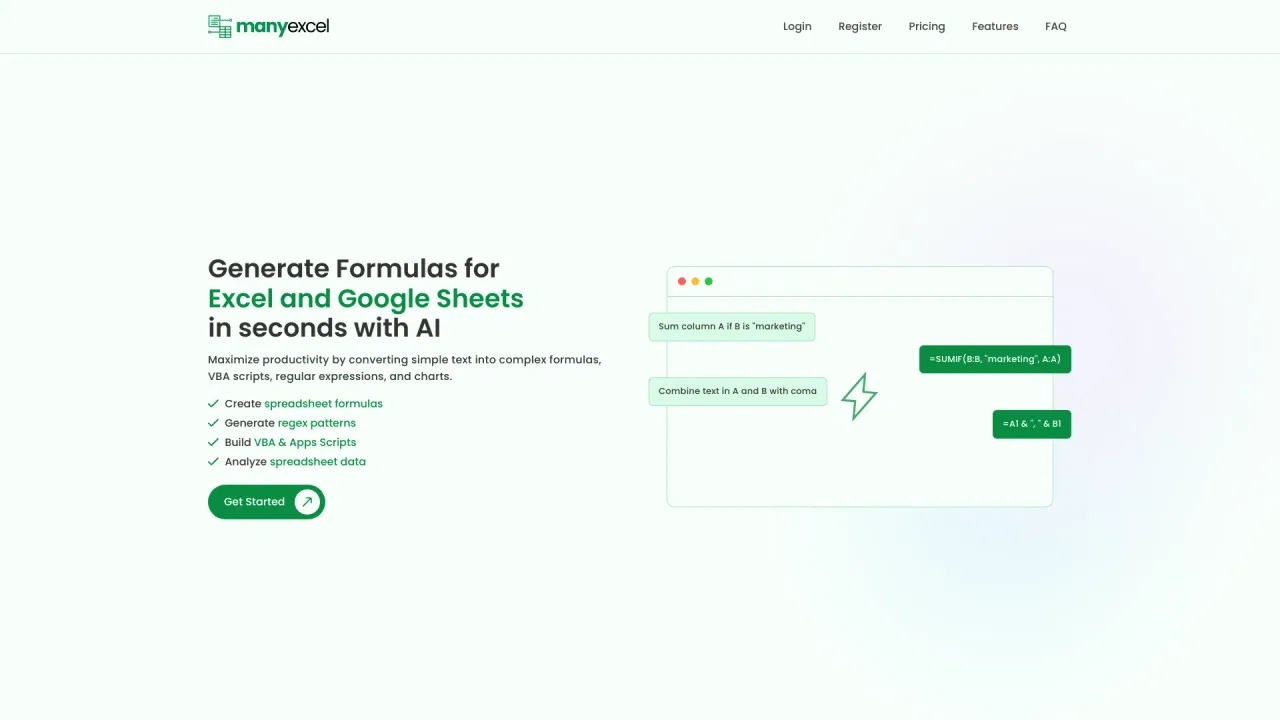
Describe what you need in plain English and get the Excel or Sheets formula, regex or script — with an explanation.