Turn any document or video into an interactive AI course — even inside ChatGPT and Claude

Turn documents into interactive lessons, quizzes, and trackable courses
Estimated monthly website visits
Similarweb estimates for this domain, not active users. Only available observation months are shown; collection date is separate from the traffic period.
Collected Nov 11, 2026

This is our editors' assessment out of 5, not an average of user ratings. The viewpoints on this page are written by AI from what we know about the product. They are not customer reviews.
According to OpenAITools.app telemetry verified on 2026-11-11, uPresenter (upresenter.ai) is an AI platform indexed under AI Presentation Generator generating 3.07K monthly visits with a month-over-month traffic delta of -2.66K (-46.4%). Its primary geographic market is Vietnam (94.1% traffic share), and it operates on a Freemium pricing model. Top competing alternatives by monthly volume include Mini Course Generator (39.97K visits/mo), Prezi (7.35M visits/mo), Mindsmith (90.7K visits/mo).
Exporting SCORM packages straight into our LMS saved days of work.
AI slide generation builds a solid first draft in seconds.
The 14 question types give great variety to quizzes.
Free tier credits run out way too fast.
AI-synthesized perspectives grounded in live site inspection, pricing structure, and category benchmarks — presented as editorial viewpoints rather than individual customer testimonials.
Upload a document or describe a topic and AI produces slides, lessons, quizzes, and images. The AI Agent and AI Writing tools then refine wording, structure, or tone on demand.
Build graded or survey questions in 14 formats, with feedback, answer explanations, and scoring that feeds directly into reports.
Switch between pixel-precise 16:9 slides and responsive fluid lessons, and add interactions, actions, events, variables, and conditions without writing code.
Generate AI voice narration or record your own, then embed video, images, charts, and 3D models into the lesson.
Co-edit with comment threads, roles, and version history, then invite learners into built-in classes and follow scores, attempts, and time per student.
Publish by public link or QR code with optional password protection, or export SCORM 1.2, SCORM 2004, xAPI, HTML5, PDF, JPG, and PNG in one click.
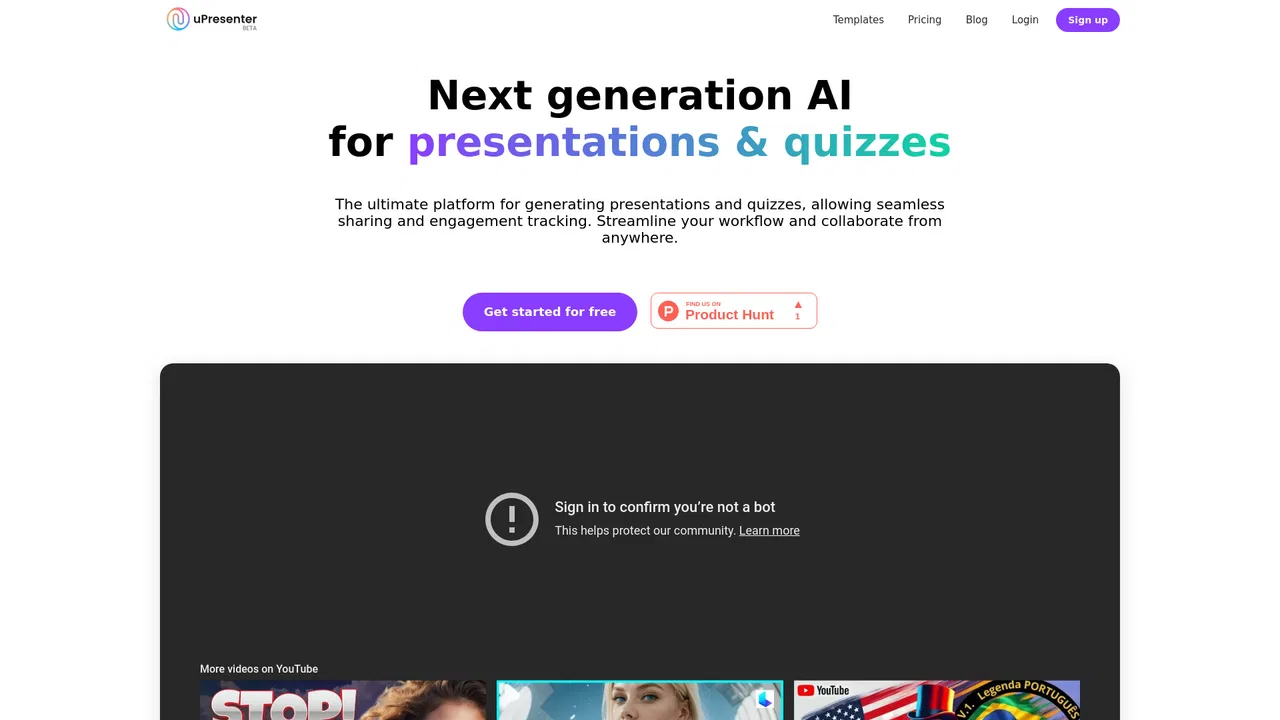
uPresenter is a web-based authoring environment that blends presentation software, course builders, and learner tracking into one workspace. You start from a document or a short topic description and let AI generate a structured lesson, complete with slides, visuals, and a quiz. From there the editor gives you design-level control: pick a 16:9 slide canvas for presentation-style content or a responsive fluid layout for scrolling lessons, choose themes, and drop in charts, tables, infographics, and interactions built from actions, events, variables, and conditions — no code required.
Assessment and media are first-class rather than add-ons. The quiz builder covers 14 question types, graded or survey, with feedback and answer explanations, and AI voice narration or your own recording can be attached to any screen. Collaborators can co-edit lessons with comments, roles, and version history, which suits faculty teams and corporate content groups working on the same module.
Delivery in uPresenter is deliberately open-ended. You can share a lesson by link or QR code with optional password protection, run a built-in class that invites learners and tracks their results without an LMS, or export standards-based packages — SCORM 1.2, SCORM 2004, xAPI, HTML5, PDF, JPG, and PNG — for whatever system your organization already uses. Reports surface scores, attempts, time, and every individual answer per learner, so training and teaching teams can see what is actually landing.

Convert existing PDFs and slide decks into interactive modules with embedded checks for understanding, then export SCORM or xAPI for the corporate LMS.
Design lessons with quizzes, invite the class with a code, and review per-student scores and attempts directly in uPresenter — no LMS required.
Co-author course modules across departments, use version history and comments for review cycles, and deliver packages straight into the institution's platform.
Produce interactive, link-shareable presentations with a viewer report, letting clients or stakeholders click through at their own pace.
Side-by-side telemetry comparison of competing AI tools in the same primary category
| Rank | AI Tool | Monthly Visits | MoM Growth | Direct traffic share | Pricing | Head-to-Head |
|---|---|---|---|---|---|---|
| ● | uPresenter | 3.07K | -46.4% | 42% direct | Freemium | Current |
| 1 | Mini Course Generator | 39.97K | +6.8% | 34% direct | Freemium | vs Mini Course Generator |
| 2 | Prezi | 7.35M | +1.1% | 33% direct | Free Trial, Paid | vs Prezi |
| 3 | Mindsmith | 90.7K | -47.6% | 75% direct | Free Trial, Contact for Pricing, Free | vs Mindsmith |
| 4 | Studocu | 39.3M | +1.1% | 17% direct | Freemium | vs Studocu |
| 5 | eSkilled AI Course Creator | 1.88K | +99.8% | 41% direct | Free Trial, Contact for Pricing | vs eSkilled AI Course Creator |
| 6 | Gamma AI | 20.81M | -1.4% | 46% direct | Freemium | vs Gamma AI |

Turn any document or video into an interactive AI course — even inside ChatGPT and Claude
Interactive presentation platform with live polls, quizzes, and Q&A built into your slides

AI-native eLearning authoring that turns raw source material into interactive courses

Share and access study materials worldwide — with AI study tools built in
Generate SCORM-ready e-learning courses, quizzes and syllabi with AI

Visual storytelling without the blank-slide problem

Turn any document, video or topic into a finished quiz in seconds
Turn notes, docs, and prompts into presentations in seconds
Turn ideas, text, and documents into editable AI slides
Turn any document, link, or video into a polished PowerPoint deck

Turn ideas, documents, and URLs into polished slides in minutes

Turn a prompt or document into a full online course