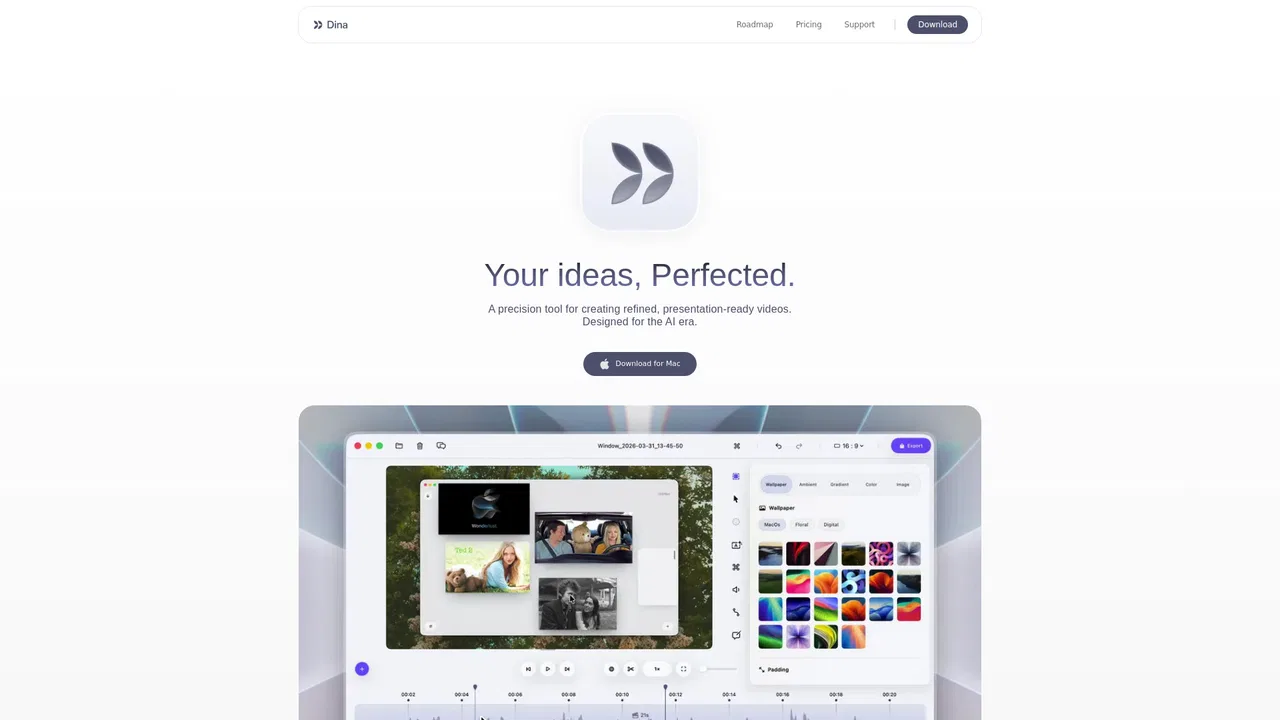
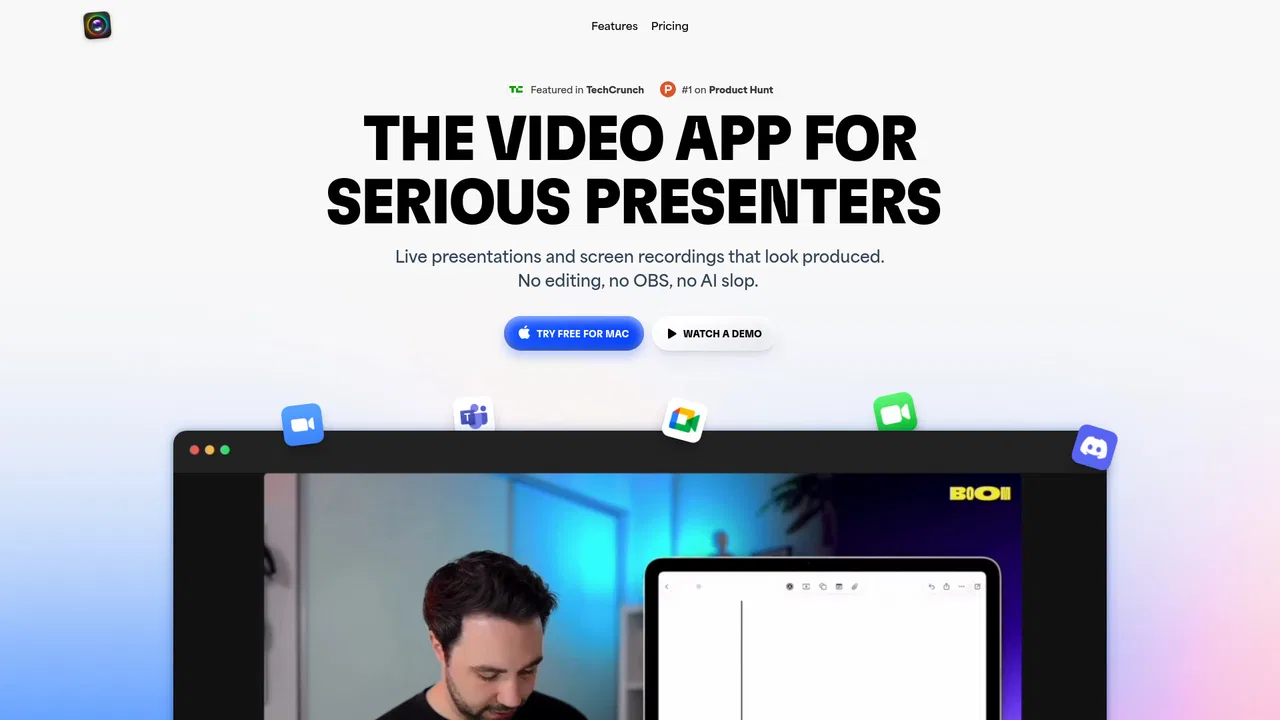
Dina is a macOS screen recorder and video editor that turns raw captures into polished demos, tutorials, and social clips. It captures screen, camera, microphone, and system audio, then applies automatic zoom, smooth cursor motion, keystroke overlays, and cinematic 3D camera moves so the finished video looks intentional without manual editing.
월간 웹사이트 방문 수 추정치

이 도메인의 Similarweb 추정치이며 활성 사용자 수가 아닙니다. 관측 데이터가 있는 월만 표시하며 수집일과 집계 월을 구분합니다.
수집일 2026. 11. 11.
에디터가 매긴 5점 만점 평가이며, 사용자 평점의 평균이 아닙니다. 이 페이지의 관점들은 제품 정보를 바탕으로 AI가 정리한 것이며, 실제 사용자 후기가 아닙니다.
2026-11-11에 검증된 OpenAITools.app 텔레메트리에 따르면, Dina(dina.so)은(는) AI 영상 편집기에 색인된 AI 플랫폼으로 월 4.88천회 방문을 기록 중이며, 전월 대비 트래픽 변화량은 -204(-4%)입니다. 주요 지리적 시장은 미국(트래픽 점유율 79.4%)이며, 유료 가격 모델로 운영됩니다. 월간 트래픽 기준 주요 경쟁 대안으로는 Tella (월 27.28만회 방문), Tight Studio (월 1.14만회 방문), Motionik (월 1.2천회 방문) 등이 있습니다.
데모 영상 만들 때 진짜 시간 아껴줌. 자동 줌 기능 대박.
맥 전용이라 아쉽지만 완성도 높음.
실제 사이트 점검, 요금 구조, 동일 카테고리 기준을 바탕으로 AI가 재구성한 참고 관점이며 개별 실사용자의 후기가 아닙니다.
Dina detects the interactions worth highlighting and zooms in on them automatically, with optional manual control and 3D camera depth for a more immersive look.
Every recording gets an editable transcript, so you can trim and rearrange the video by editing words while AI strips filler words and dead silence.
Write a script and generate natural narration from text using on-device models, then refine it directly on the timeline.
Smooth out cursor movement, display keyboard shortcuts as they are pressed, and add arrows, highlights, callouts, and shapes to guide attention.
Compose titles, slides, images, and video into balanced scenes, mask sensitive regions, and export in native resolution or as layers for further editing.
Dina is a macOS screen recorder and video editor that turns raw captures into polished demos, tutorials, and social clips. It captures screen, camera, microphone, and system audio, then applies automatic zoom, smooth cursor motion, keystroke overlays, and cinematic 3D camera moves so the finished video looks intentional without manual editing.
Record a workflow once and let automatic zoom, cursor refinement, and captions turn it into a demo that is clear enough to share with customers or internal stakeholders.
Build lessons with slide layouts, editable captions, and voiceover narration added on the timeline, then export in 4K for a learning platform.
Capture the exact reproduction steps with keystroke overlays and annotations, mask any sensitive data, and share a public link the customer can watch without an account.
Connect an iPhone over USB or record the mirroring window, then present the capture inside device mockups with keyframed transitions for app store or social promotion.
동일한 주요 카테고리에 속한 경쟁 AI 도구의 나란히 보는 텔레메트리 비교
| 순위 | AI 도구 | 월간 방문 수 | 전월 대비 성장률 | 직접 유입 비중 | 가격 | 일대일 비교 |
|---|---|---|---|---|---|---|
| ● | Dina | 4.88천 | -4% | 직접 유입 40% | 유료 | 현재 도구 |
| 1 | Tella | 27.28만 | -0.4% | 직접 유입 31% | 무료 체험, 유료 | vs Tella |
| 2 | Tight Studio | 1.14만 | +19.3% | 직접 유입 40% | 무료+유료, 가격 문의 | vs Tight Studio |
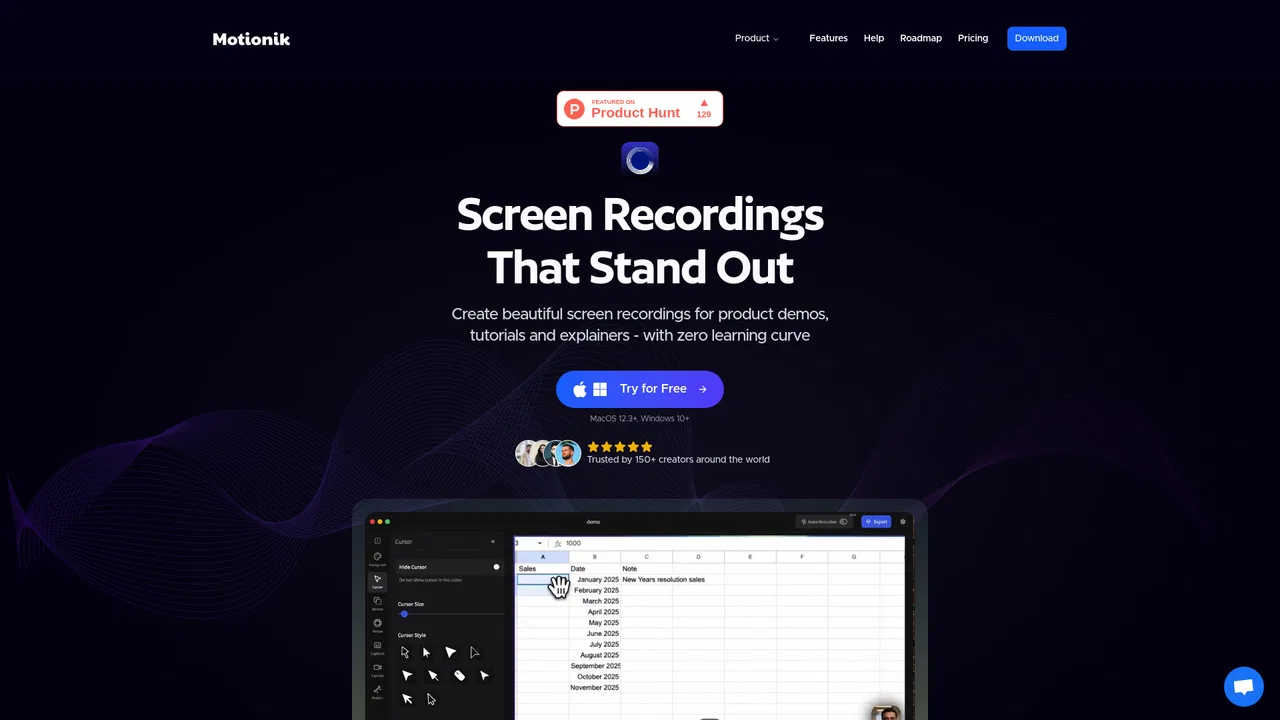
| 3 | Motionik | 1.2천 | +0.1% | 직접 유입 39% | 무료+유료, 유료 | vs Motionik |
| 4 | Vmaker AI | 51.18만 | +10.5% | 직접 유입 25% | 무료+유료, 유료, 무료 | vs Vmaker AI |
| 5 | Kommodo | 103.39만 | +4.9% | 직접 유입 42% | 무료+유료 | vs Kommodo |
| 6 | Wondershare Filmora | 1147.58만 | +5.5% | 직접 유입 24% | 무료 체험, 유료 | vs Wondershare Filmora |

원본 화면 녹화를 세련된 제품 데모로 바꾸는 무료 Mac 화면 녹화기
편집한 듯 보이는 화면 녹화

Vmaker AI is an AI video creation and editing platform for recording screens, generating shorts from long videos, adding subtitles and turning text, audio or documents into avatar-led videos.
문서까지 대신 써 주는 화면 녹화

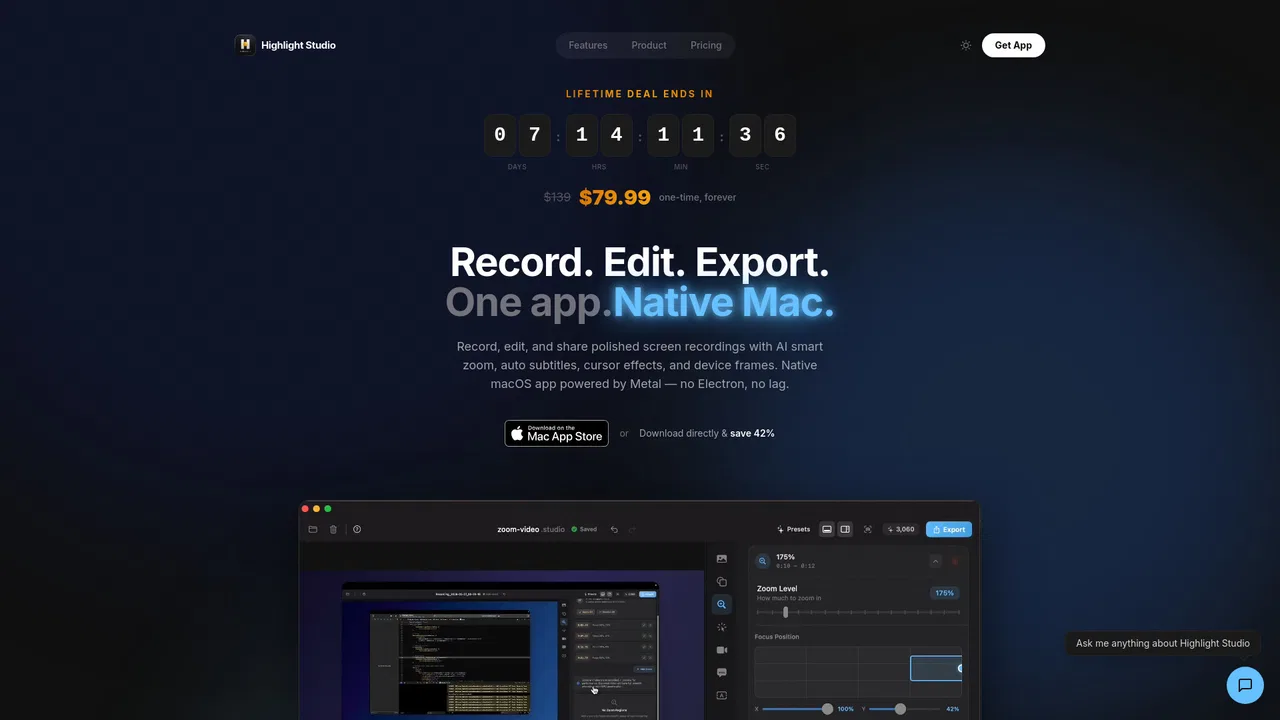
AI 스마트 줌과 진짜 멀티트랙 편집기를 갖춘 네이티브 macOS 화면 녹화 앱

Windows와 Mac을 위한 AI 화면 녹화, 모든 클릭을 자동으로 다듬다
Mac에서 편집 없이 프로처럼 발표하고 녹화하세요
스크린샷, 녹화, 웹페이지를 위한 프라이빗 macOS 캡처 스튜디오