01
1.1만/월
원본 화면 녹화를 세련된 제품 데모로 바꾸는 무료 Mac 화면 녹화기
AI Video Generator에디터 평점: 4.4무료+유료, 가격 문의+19.3%

1.1만/월+19.3%
원본 화면 녹화를 세련된 제품 데모로 바꾸는 무료 Mac 화면 녹화기
무료+유료, 가격 문의
AI 스마트 줌과 진짜 멀티트랙 편집기를 갖춘 네이티브 macOS 화면 녹화 앱
에디터가 매긴 5점 만점 평가이며, 사용자 평점의 평균이 아닙니다. 이 페이지의 관점들은 제품 정보를 바탕으로 AI가 정리한 것이며, 실제 사용자 후기가 아닙니다.
2026-11-11에 검증된 OpenAITools.app 텔레메트리에 따르면, Highlight Studio(highlightstudio.app)은(는) AI 영상 편집기에 색인된 AI 플랫폼으로 월 286회 방문을 기록 중이며, 전월 대비 트래픽 변화량은 -2.05천(-87.7%)입니다. 주요 지리적 시장은 글로벌(트래픽 점유율 —)이며, 무료+유료, 유료 가격 모델로 운영됩니다. 월간 트래픽 기준 주요 경쟁 대안으로는 Tight Studio (월 1.14만회 방문), CapCut (월 5470.07만회 방문), InVideo (월 689.36만회 방문) 등이 있습니다.
자동 줌 기능 미쳤습니다. 데모 영상 뚝딱 만들어요.
맥북 발열도 없고 가벼워요.
실제 사이트 점검, 요금 구조, 동일 카테고리 기준을 바탕으로 AI가 재구성한 참고 관점이며 개별 실사용자의 후기가 아닙니다.
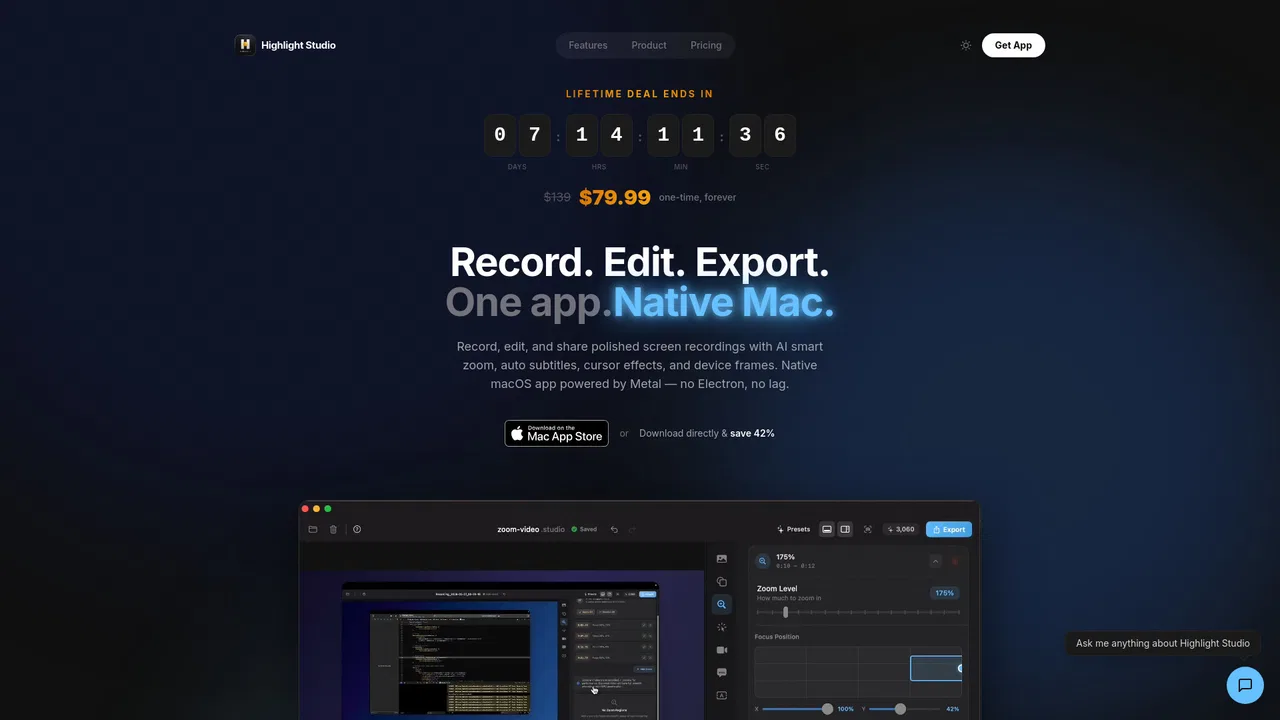
커서 추적과 클릭 클러스터 분석으로 줌 키프레임을 자동 생성하며, 타임라인에서 직접 배치할 수도 있습니다.
화면 영상, 카메라, 시스템 오디오, 내레이션, 자막, 주석을 각각 별도 트랙으로 관리하고 자르기·분할·속도 조절을 지원합니다.
50개 이상 언어의 단어 단위 타임스탬프를 제공해 세로형 SNS 영상 자막이나 강의 자막 제작에 적합합니다.
iPhone·iPad 녹화를 27종 이상의 정확한 Apple 기기 프레임에 담고, 저장한 로고·색상·폰트·워터마크 규칙을 모든 내보내기에 적용합니다.
네이티브 Swift로 만든 highlight-cli가 로컬 TCP 소켓으로 40개 이상 명령을 개행 구분 JSON으로 노출해 AI 에이전트의 녹화·내보내기 자동화를 지원합니다.
Highlight Studio는 화면 녹화, 카메라·오디오 캡처, 그리고 제대로 된 멀티트랙 타임라인 편집기를 하나의 네이티브 macOS 애플리케이션에 담았습니다. 원본 영상을 따로 뽑아 다른 도구에서 고치는 대신, 같은 창에서 녹화·편집·자막·내보내기를 모두 끝낼 수 있습니다. 앱은 전부 SwiftUI로 작성되고 Metal로 GPU 렌더링하기 때문에 고해상도에서도 녹화가 부드럽고 CPU 부담이 적습니다.
일반적인 화면 캡처 도구와의 차이는 AI 계층에서 나옵니다. 녹화 중에는 커서 위치와 클릭 이벤트를 기록하고, 정지 후 클릭이 몰린 구간을 분석해 시청자의 시선이 머물러야 할 순간에 줌 키프레임을 배치합니다. 단어 단위 AI 전사는 50개 이상 언어를 지원해 자막으로 구울 수 있고, 표정 감지로 '가장 잘 나온 순간' 타임라인도 만들 수 있습니다. AI가 만든 결과물은 모두 일반 클립으로 타임라인에 올라가므로 자르기, 속도 조절, 삭제가 자유롭습니다.
편집 외에도 배포 단계를 돕습니다. 로고·색상·폰트를 담은 브랜드 킷, iPhone과 iPad 녹화를 감싸는 27종 이상의 정확한 Apple 기기 프레임, YouTube·Instagram·LinkedIn·Discord용 최적화 내보내기 프리셋, 협업자를 위한 타임라인 댓글을 제공합니다. 함께 제공되는 CLI는 로컬 소켓으로 40개 이상 명령을 노출해 AI 에이전트가 녹화·편집·내보내기를 프로그램으로 실행할 수 있습니다. 무료 플랜으로 전체 흐름을 익힐 수 있지만 내보내기에 워터마크가 붙고, 스마트 줌·AI 자막·4K·기기 프레임은 Pro에서 열립니다.
앱을 녹화하고 자동 줌이 클릭을 따라가게 한 뒤 기기 프레임에 넣어 홈페이지나 세일즈 덱에 맞는 30초 클립을 뽑습니다.
버그를 재현하고 문제 영역을 흐리게 처리하거나 주석을 달아 FPS를 지정한 GIF로 내보내 GitHub, Linear, Jira에 바로 붙입니다.
챕터 타이틀 카드와 브랜드 인트로·아웃트로를 넣고 타임라인에 바로 내레이션을 녹음해 Udemy, Teachable, Kajabi용 4K로 내보냅니다.
9:16으로 리프레임하고 음소거 재생용 자막을 구운 뒤 플랫폼별 프리셋으로 내보내 네 번씩 다시 편집하는 수고를 없앱니다.
동일한 주요 카테고리에 속한 경쟁 AI 도구의 나란히 보는 텔레메트리 비교
| 순위 | AI 도구 | 월간 방문 수 | 전월 대비 성장률 | 직접 유입 비중 | 가격 | 일대일 비교 |
|---|---|---|---|---|---|---|
| ● | Highlight Studio | 286 | -87.7% | 직접 유입 28% | 무료+유료, 유료 | 현재 도구 |
| 1 | Tight Studio | 1.14만 | +19.3% | 직접 유입 40% | 무료+유료, 가격 문의 | vs Tight Studio |
| 2 | CapCut | 5470.07만 | +13.2% | 직접 유입 29% | 무료+유료 | vs CapCut |
| 3 | InVideo | 689.36만 | +4.6% | 직접 유입 34% | 무료+유료 | vs InVideo |
| 4 | VEED.IO | 801.17만 | +1.8% | 직접 유입 37% | 무료+유료, 무료 체험, 유료, 가격 문의 | vs VEED.IO |
| 5 | Diffusion Studio | 3.57만 | -35.7% | 직접 유입 38% | 무료+유료 | vs Diffusion Studio |
| 6 | HyperFrames Studio | 41.37만 | +217.8% | 직접 유입 54% | Free, Contact for Pricing | vs HyperFrames Studio |
원본 화면 녹화를 세련된 제품 데모로 바꾸는 무료 Mac 화면 녹화기
원본 화면 녹화를 세련된 제품 데모로 바꾸는 무료 Mac 화면 녹화기
크리에이터와 마케터를 위한 올인원 AI 영상 생성, 타임라인 편집, Seedance 2.5 스튜디오.
VEED is a browser-based AI video creation platform that takes an idea to a finished, on-brand video without a camera or editing suite. It combines an online editor with text-to-video, AI avatars and lip sync, voice cloning, text to speech, auto subtitles, translation, dubbing and a large library of social ad templates.
VEED is a browser-based AI video creation platform that takes an idea to a finished, on-brand video without a camera or editing suite. It combines an online editor with text-to-video, AI avatars and lip sync, voice cloning, text to speech, auto subtitles, translation, dubbing and a large library of social ad templates.

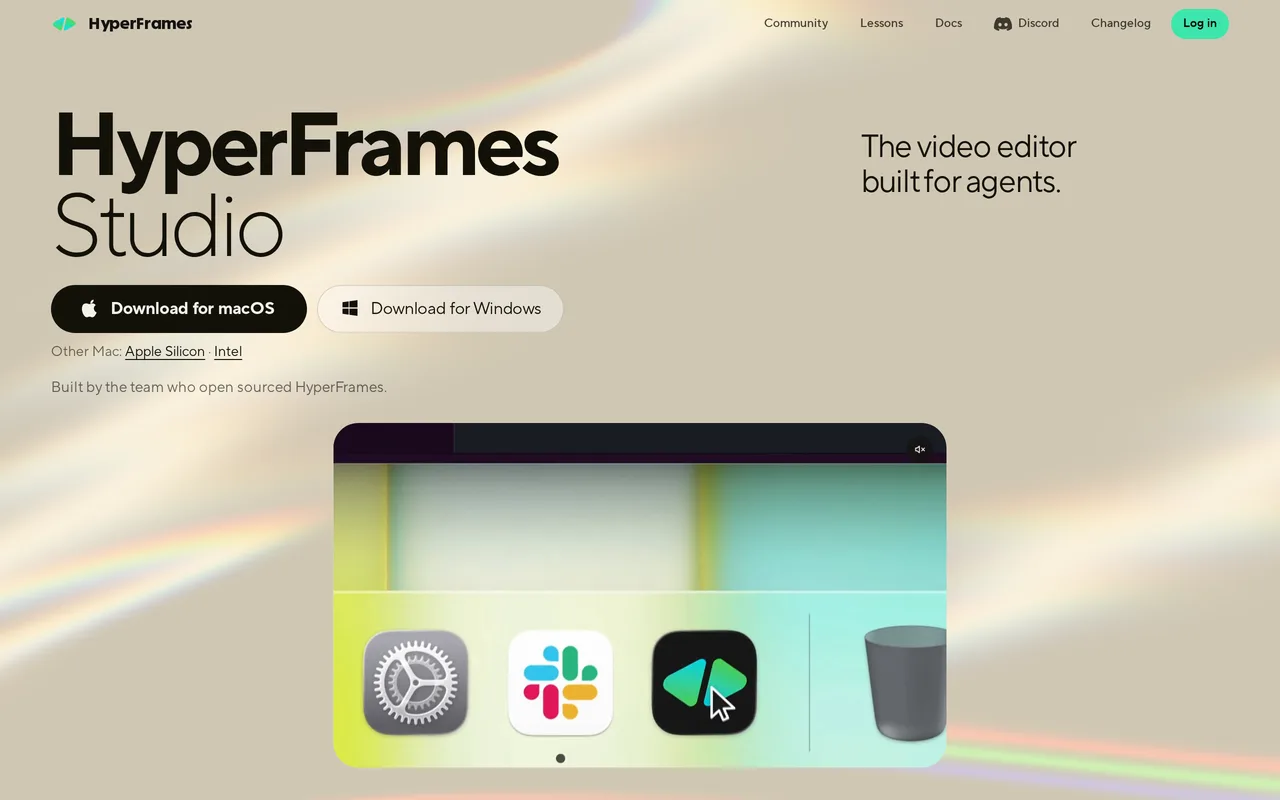
무료 / 오픈소스코딩 에이전트가 편집자가 되는 오픈소스 AI 비디오 편집기

무료 / 오픈소스AI 코딩 에이전트와 함께 쓰도록 만든 데스크톱 영상 편집기

Vmaker AI is an AI video creation and editing platform for recording screens, generating shorts from long videos, adding subtitles and turning text, audio or documents into avatar-led videos.
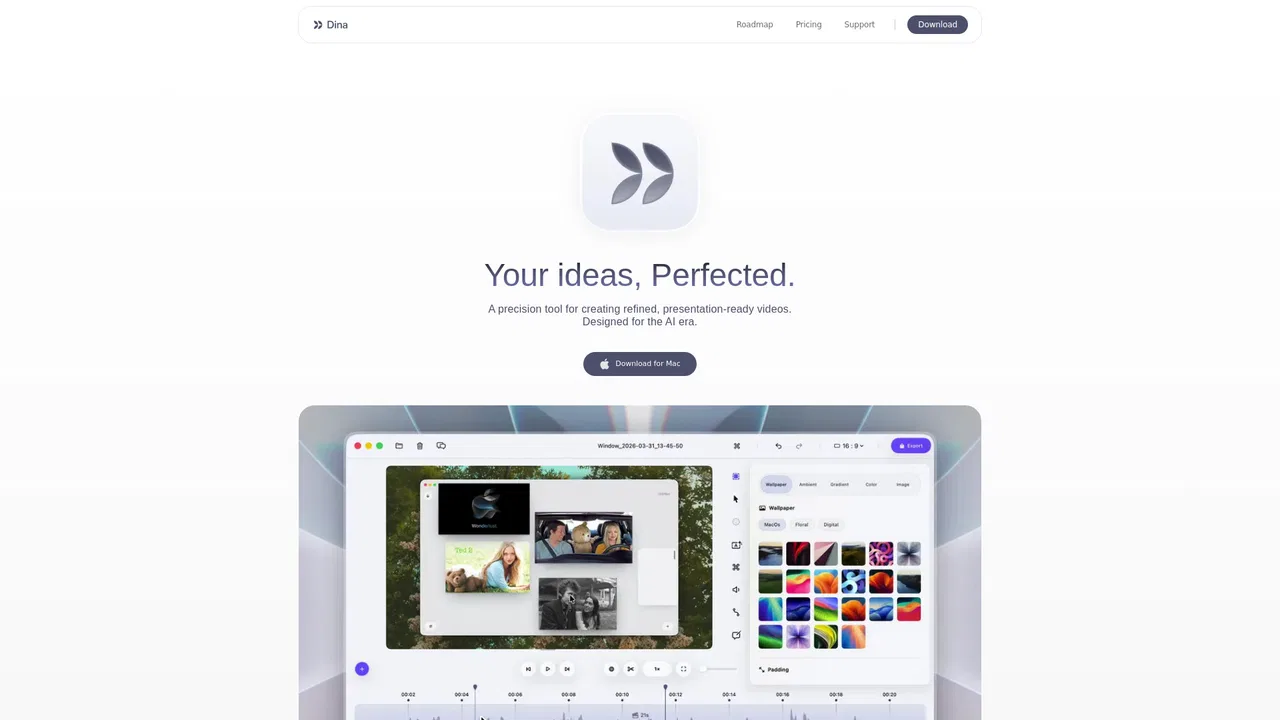
특화 강점Dina is a macOS screen recorder and video editor that turns raw captures into polished demos, tutorials, and social clips. It captures screen, camera, microphone, and system audio, then applies automatic zoom, smooth cursor motion, keystroke overlays, and cinematic 3D camera moves so the finished video looks intentional without manual editing.
특화 강점Dina is a macOS screen recorder and video editor that turns raw captures into polished demos, tutorials, and social clips. It captures screen, camera, microphone, and system audio, then applies automatic zoom, smooth cursor motion, keystroke overlays, and cinematic 3D camera moves so the finished video looks intentional without manual editing.

Kapwing is a collaborative, browser-based video creation platform that combines a drag-and-drop editor with a suite of AI tools. Teams can generate video from a prompt, add subtitles, translate dialogue, remove silences, and repurpose long footage into social clips, all without installing software.
Kapwing is a collaborative, browser-based video creation platform that combines a drag-and-drop editor with a suite of AI tools. Teams can generate video from a prompt, add subtitles, translate dialogue, remove silences, and repurpose long footage into social clips, all without installing software.

Descript is an AI-powered video and audio editor that lets you cut recordings by editing their transcript, then clean up, caption, translate and repurpose the result. Underlord, its AI co-editor, plus Studio Sound, voice cloning and screen recording turn a single tool into a full production pipeline for creators and teams.
Descript is an AI-powered video and audio editor that lets you cut recordings by editing their transcript, then clean up, caption, translate and repurpose the result. Underlord, its AI co-editor, plus Studio Sound, voice cloning and screen recording turn a single tool into a full production pipeline for creators and teams.