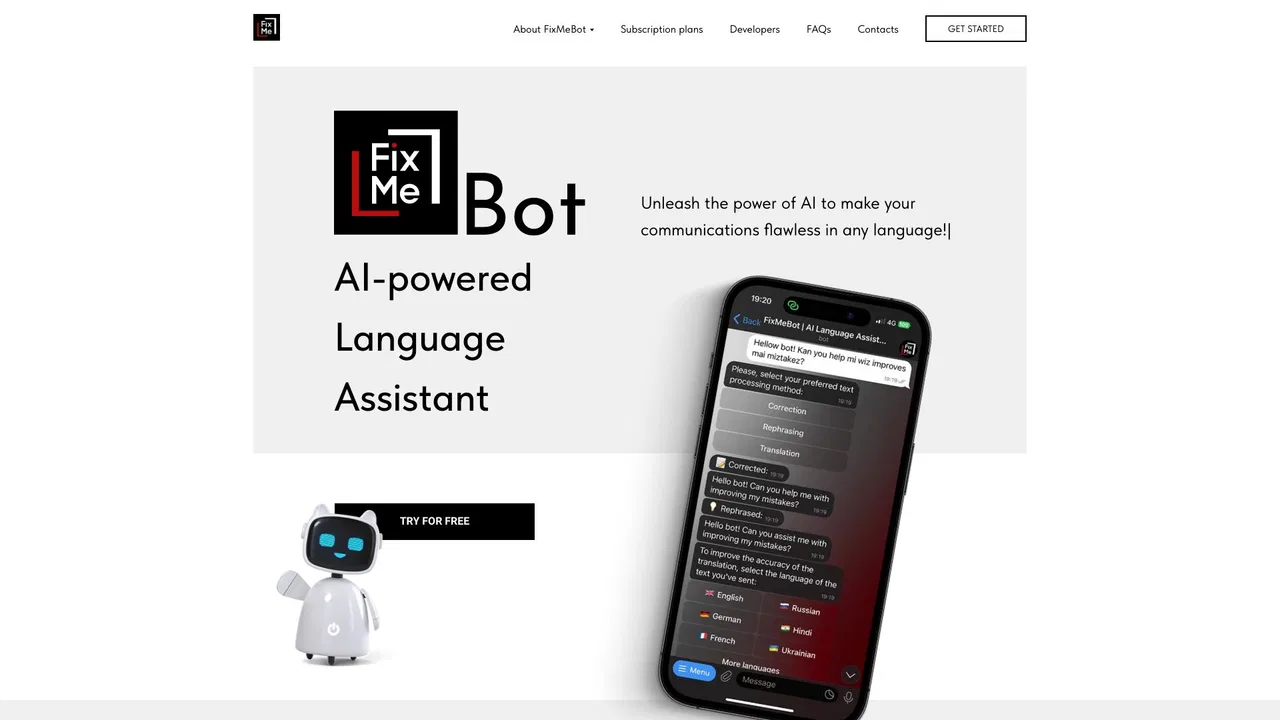
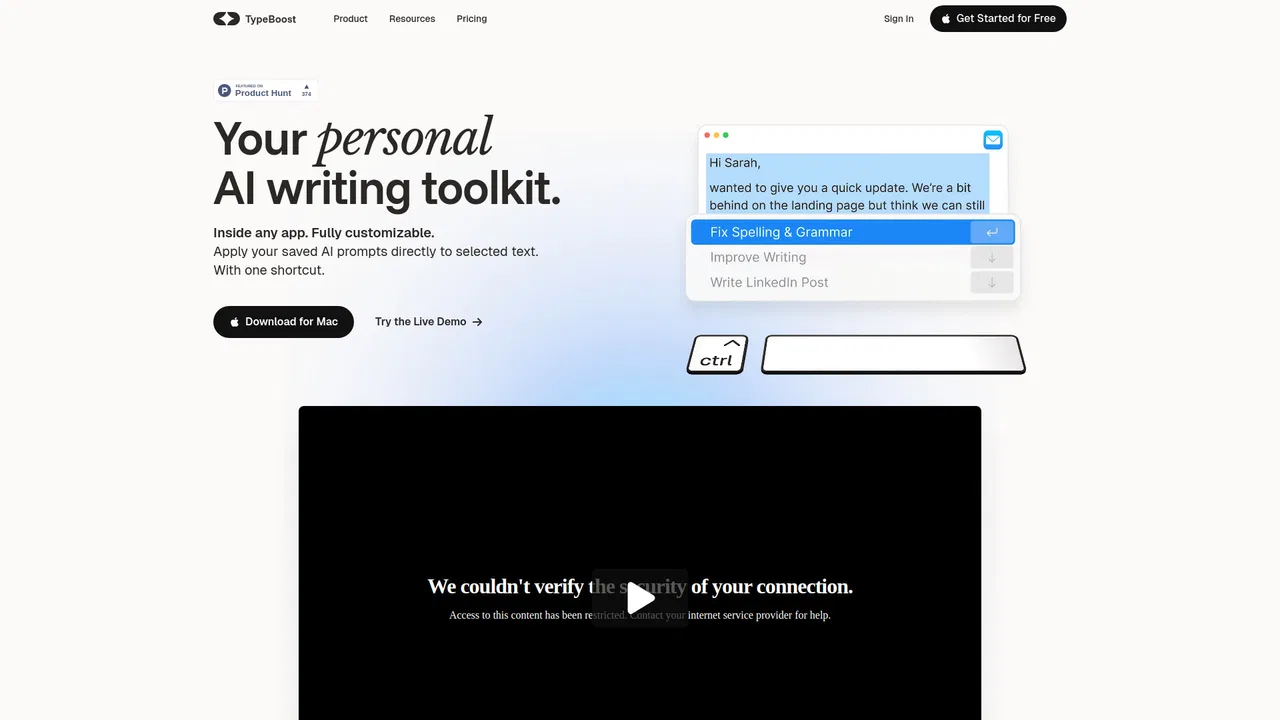
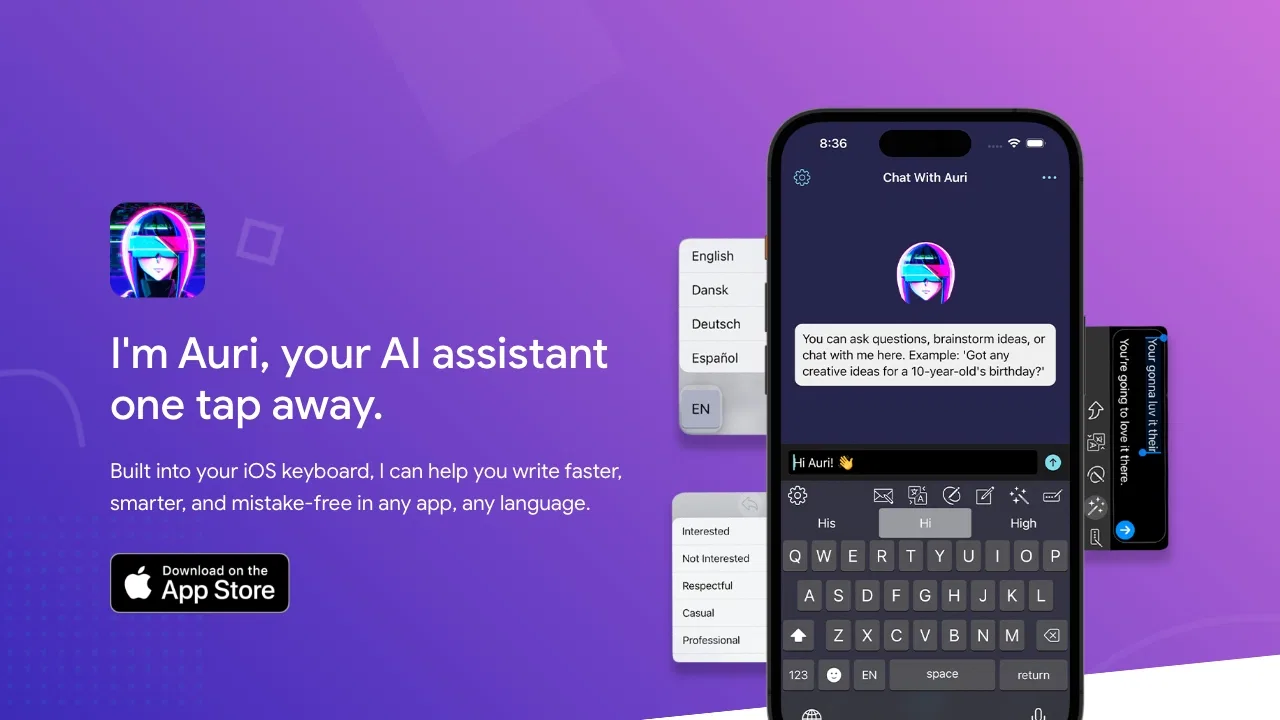
RewriteBar solves a very practical problem for Mac users: most writing assistants live in their own editor or browser tab, while real writing happens everywhere — Slack threads, email clients, Google Docs, Notion, Word, WhatsApp and code editors. RewriteBar instead sits at the system level. It grabs your current selection, sends it to a language model with the action you picked, and pastes the result straight back over the original text, so you never leave the app you are working in.
Out of the box it ships with a library of ready-made actions: grammar and spelling fixes that understand full-sentence context, rewriting for clarity, simplification, tone adjustment, humanizing AI-sounding text, summarising to bullet points, fixing broken JSON, converting to title case, turning formal German or French into the informal register, and translation across 500+ languages. On top of those presets you can build your own commands, insert variables, and chain several actions into one workflow — expand, emoji-fy, translate and summarise in a single pass. A side-by-side diff view lets you check exactly what changed before you accept it.
Flexibility is the other selling point. You can bring your own API key from OpenAI, Anthropic, Google, Groq, Mistral, DeepSeek, OpenRouter and dozens more; subscribe to the RewriteBar Gateway to get access to 70 models without managing keys; or run everything through a local model with Ollama, LM Studio or Apple Intelligence for maximum privacy. The app is only around 25 MB, is natively built for macOS, integrates with PopClip, and never stores your text on RewriteBar's servers.