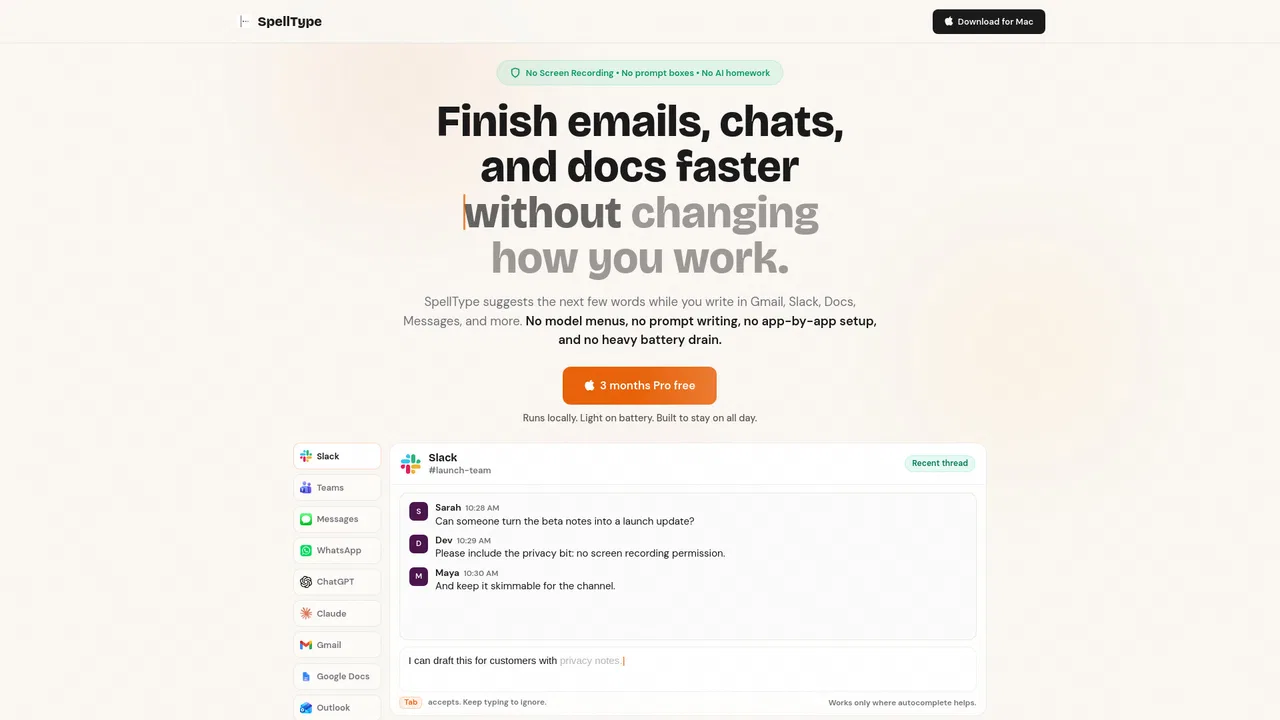
Typeahead takes a deliberately different approach from chat assistants. Instead of opening a prompt box, waiting for an answer and copying it back, it sits at your cursor as ghost text and finishes what you are already writing. You type the facts, press Tab to accept a suggested phrase, use the right arrow to take a single word, or keep typing to steer a new suggestion. The site frames the contrast directly: ChatGPT writes for you in a generic voice, while Typeahead writes with you in your style.
Under the surface, several features make the suggestions feel personal rather than generic. It learns your phrases, so a line you write often can be re-summoned after two keystrokes, and it recognizes names and terms your Mac's dictionary does not include. Screen context means suggestions match the conversation you are replying to, and clipboard context puts what you just copied one Tab away. Writing styles can be set per app, so Mail can be professional while Messages stays casual, and there are sixteen languages that follow whichever one you type.
The privacy story is the headline: the model runs on your Mac, writing is never sent to a server, and the app works offline after setup. Supported apps include Mail, Messages, Slack, Notion, Chrome, Gmail, Outlook, Google Docs and Word, with more listed. The product is Mac-only for now, and the site offers both a direct download option and a waitlist, along with free writing tools such as a word counter, grammar checker and typing speed test.