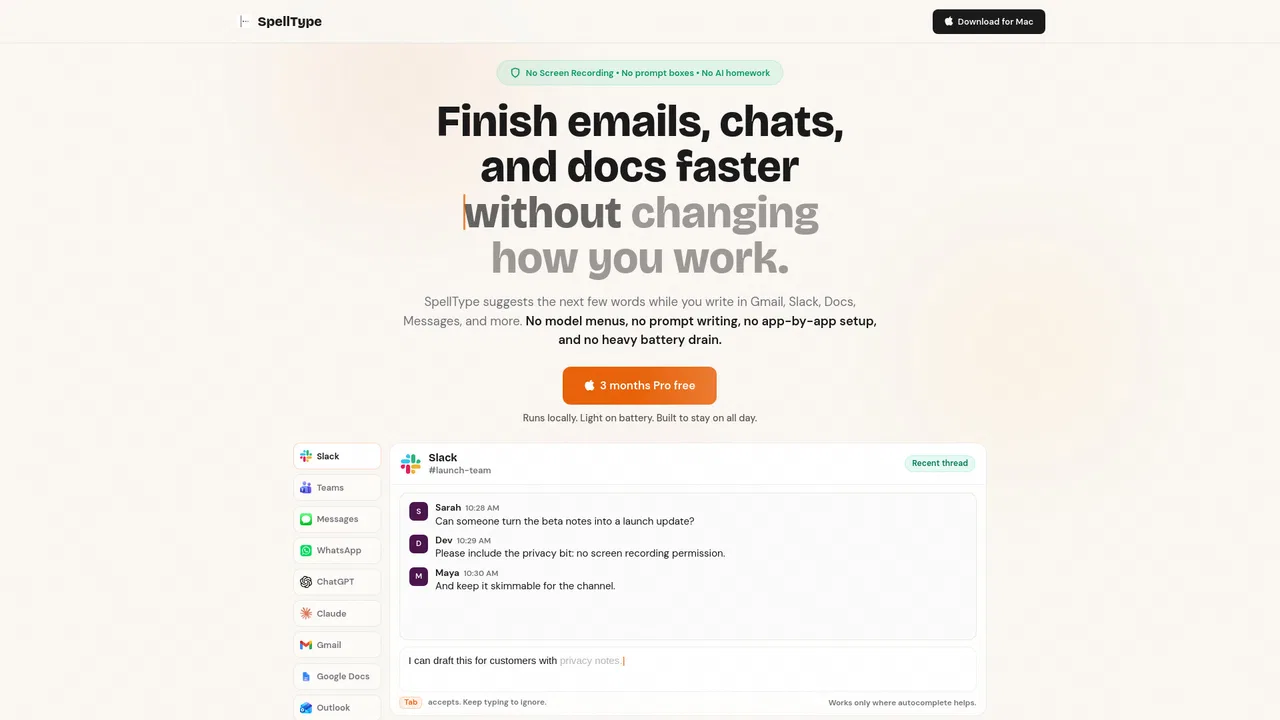
AI autocomplete for your entire Mac, running locally and never sending your writing to a server

Free private AI autocomplete for Mac that runs entirely on your machine

This is our editors' assessment out of 5, not an average of user ratings. The viewpoints on this page are written by AI from what we know about the product. They are not customer reviews.
According to OpenAITools.app telemetry verified on 2026-11-11, SpellType (spelltype.app) is an AI platform indexed under AI Writing Assistants (ranked #271 globally) generating 258 monthly visits with a month-over-month traffic delta of +230 (+821.4%). Its primary geographic market is Türkiye (100% traffic share), and it operates on a Freemium, Paid pricing model. Top competing alternatives by monthly volume include Typeahead (10.38K visits/mo), Grammarly (58.87M visits/mo), GHOSTYPE (3.4K visits/mo).
Local AI autocomplete that actually respects privacy and doesn't lag.
Tab to complete in Slack and Gmail is addictive.
No cloud bloat, just fast inline suggestions on my M2 Mac.
Best local writing assistant I've tested.
AI-synthesized perspectives grounded in live site inspection, pricing structure, and category benchmarks — presented as editorial viewpoints rather than individual customer testimonials.
Suggestions appear while you type and are accepted with Tab or dismissed by simply continuing to type, so your flow is never interrupted.
A small model runs on your Mac. Typed text, prompts and suggestion history are not sent to the vendor, and no screen recording permission is used.
Because suggestions are generated on-device, autocomplete keeps working without an internet connection.
There are no prompt boxes, engine choices or per-app tuning steps; after one macOS permission grant, supported apps are handled automatically.
Built to stay fast and easy on battery during normal writing, so it can remain running all day.
Most AI writing tools ask you to change your habits: open a separate chat window, write a prompt, copy the answer back, then rewrite it in your own voice. SpellType takes the opposite approach. It sits inside the applications where writing already happens and offers short, inline completions that you accept with Tab or ignore by continuing to type. There are no model menus, no prompt boxes and no per-app configuration.
Its main differentiator is what it deliberately does not do. SpellType does not request macOS Screen Recording permission, does not take screenshots and does not build a profile of your writing. Suggestions are generated by a small local model on your Mac and never sent to SpellType's servers, which the vendor states means it works offline and keeps sensitive work private. Optional product analytics — limited to counts of active use and suggestions shown or accepted — can be turned off. Because completions finish your thought rather than writing a whole message for you, the output tends to still sound like you.
Setup is a single macOS permission: SpellType uses Accessibility access to offer completions in supported apps, and skips places where autocomplete would not help. It requires macOS 14 Sonoma or later on an Apple silicon Mac, with 16 GB of unified memory recommended, and is designed to stay light on battery so it can be left running. The standard app is free and unlimited for both personal and company use, while bespoke work such as custom models, integrations or deployment is scoped separately under SpellType for Business.
Reduce repetitive typing in Gmail, Outlook, Slack, Teams and Messages by accepting completions in the middle of a sentence.
Legal, medical, finance and internal teams that cannot paste work content into cloud AI tools can still benefit from on-device suggestions.
Use short completions to speed up drafting and editing while keeping your own tone instead of AI-generated boilerplate.
Standardise on a free, no-account writing tool, with scoped business work available for custom integrations or deployment.
Side-by-side telemetry comparison of competing AI tools in the same primary category
| Rank | AI Tool | Monthly Visits | MoM Growth | Direct traffic share | Pricing | Head-to-Head |
|---|---|---|---|---|---|---|
| ● | SpellType | 258 | +821.4% | 33% direct | Freemium, Paid | Current |
| 1 | Typeahead | 10.38K | +22.8% | 40% direct | Paid | vs Typeahead |
| 2 | Grammarly | 58.87M | -1.5% | 43% direct | Freemium | vs Grammarly |
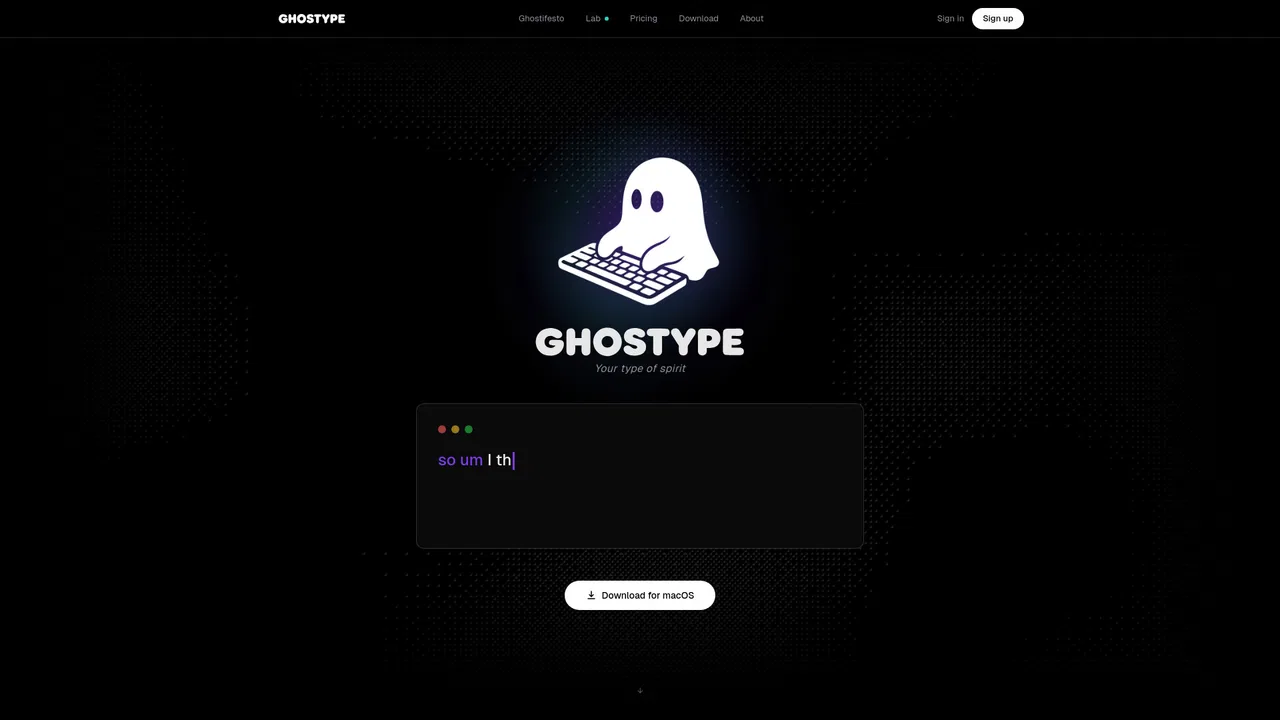
| 3 | GHOSTYPE | 3.4K | -32% | 30% direct | Freemium | vs GHOSTYPE |
| 4 | Compose AI | 34.9K | -48.1% | 73% direct | Freemium, Free Trial, Contact for Pricing | vs Compose AI |
| 5 | HyperWrite | 255.43K | +34.4% | 42% direct | Freemium | vs HyperWrite |
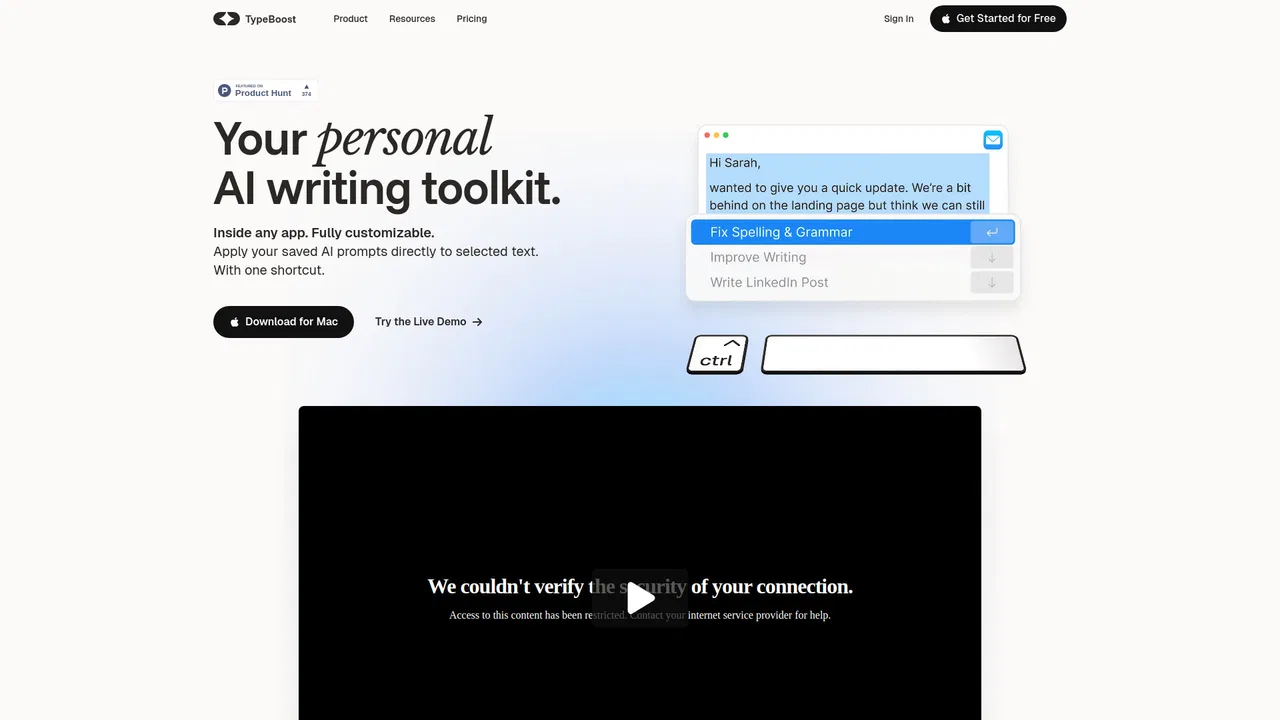
| 6 | TypeBoost | 662 | -66.9% | 40% direct | Freemium, Free | vs TypeBoost |

AI autocomplete for your entire Mac, running locally and never sending your writing to a server

Cross-platform AI writing assistant delivering real-time grammar correction, tone alignment, authorship tracking, and team style guides.
Context-aware AI voice typing that outruns your keyboard on macOS

SpecialistAI autocomplete that finishes your sentences wherever you type

AI writing assistant with autocomplete, research, and a Chrome extension

Your AI writing assistant, inside every app on Mac and iPhone

AI grammar, spelling and style checker for 30+ languages
macOS AI writing assistant that works inside any app

An AI writing assistant and keyboard for error-free writing anywhere

Type once, reuse forever, and rewrite any draft in place

SpecialistNative macOS AI writing assistant that lives in every app
One-click AI assistant for browsing, writing and research